



Nainstalovat Steam
přihlásit se
|
jazyk
简体中文 (Zjednodušená čínština)
繁體中文 (Tradiční čínština)
日本語 (Japonština)
한국어 (Korejština)
ไทย (Thajština)
български (Bulharština)
Dansk (Dánština)
Deutsch (Němčina)
English (Angličtina)
Español-España (Evropská španělština)
Español-Latinoamérica (Latin. španělština)
Ελληνικά (Řečtina)
Français (Francouzština)
Italiano (Italština)
Bahasa Indonesia (Indonéština)
Magyar (Maďarština)
Nederlands (Nizozemština)
Norsk (Norština)
Polski (Polština)
Português (Evropská portugalština)
Português-Brasil (Brazilská portugalština)
Română (Rumunština)
Русский (Ruština)
Suomi (Finština)
Svenska (Švédština)
Türkçe (Turečtina)
Tiếng Việt (Vietnamština)
Українська (Ukrajinština)
Nahlásit problém s překladem



 Ocenit



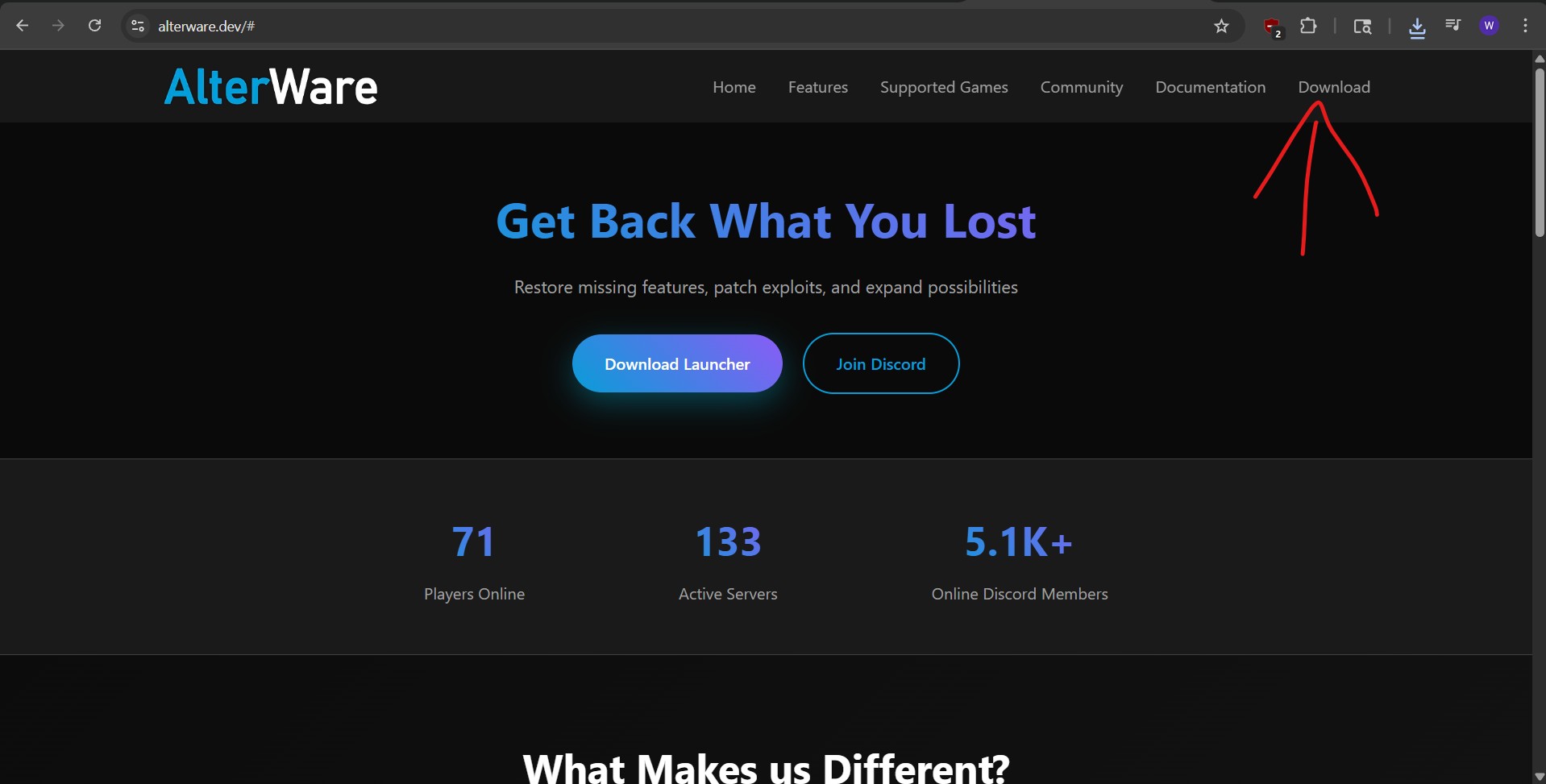
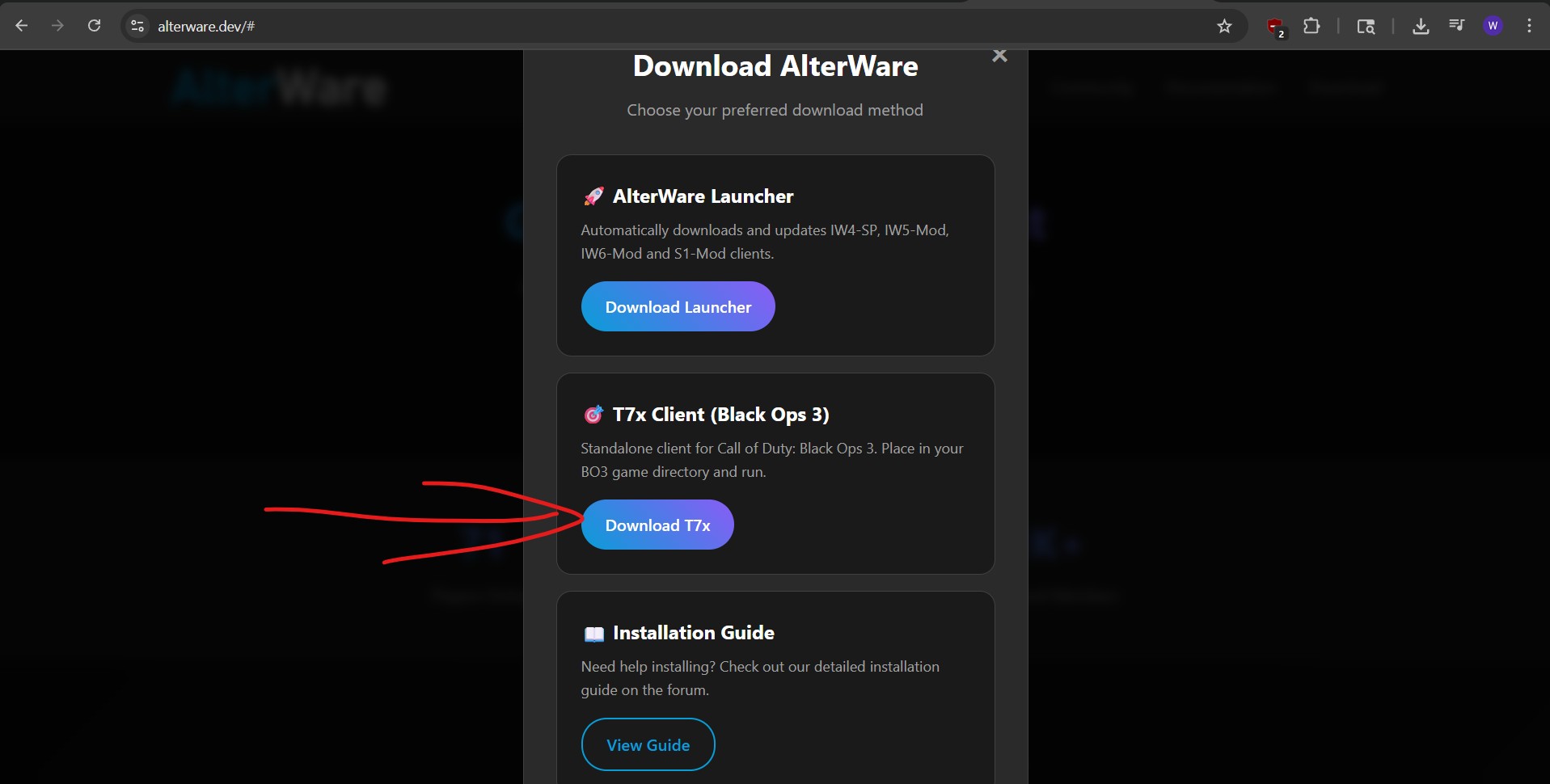



If you want mods and custom maps, then yes.
The workshop doesn't seem to work in T7X, so you will have to move any workshop items from the workshop folder directly into the custom folders
is the whole "making two folders for mods and ♥♥♥♥" part really necessary?
So it will look like:
"C:\Users\User\OneDrive\Desktop\Desktop\Games\Call of Duty\plutonium.exe" %command%
Including the " symbols.
- Now when we launch the game in Steam it will auto launch plutonium instead of normal Black ops 2 and as long as Plutonium is running in the background it will count the time as playing Black ops 2, but only if you launched it trough steam.
- you can now also delete the Shortcut, but keep the original program and don't move it or you have to do it again.
You can do this with any .exe file and can also be done for multiple games at the same time on one program.
For example I did it for WAW, BO1, BO2 and MW3, I did it with the Lanlauncher, no matter if I start WAW, BO1, BO2 or MW3, it will start the Lanlauncher and count time played as the respected game I clicked play on.
(3/3)
- First locate where the program you want to launch is located on your PC.
- In our case we want Plutonium to start when we click play on Black ops 2.
- Make a shortcut of Plutonium, by right clicking on Plutonium.exe and click ''create shortcut'' in some case you need to click ''show more option'' if ''create shortcut'' doesn't show up.
- Now right click on the shortcut and click properties, it will auto highlight the ''Target'' location
in my case it's "C:\Users\User\OneDrive\Desktop\Desktop\Games\Call of Duty\plutonium.exe"
- Copy this line including the '' symbols at the start and end, the location will be different for you.
- Now go to steam Library and click on Black ops 2 and then click on the COG symbol on the right, then Properties
(2/3)
You can always Add a mod launcher as a custom start program in steam and that way it will count for the game you want it to count.
Here is a link to a guide on how to do that:
https://steamproxy.com/sharedfiles/filedetails/?id=3498474564
(1/3)