Bully: Scholarship Edition

Bully: Scholarship Edition

28 ratings
How to setup a PS4 or PS5 controller for Bully: Scholarship Edition
By HOMBREDIAMANTE
I have seen that there's a guide for xbox controller, but there's no for a PS controller, so I'm here.
2
   
Award
Favorite
Favorited
Unfavorite
  • Step 1
To do this, you need to download and configure a software in your pc named DS4, you can download it here.[ds4-windows.com]
  • Step 2
Take your DualShock/DualSense and conect it to your pc using a USB cable.
  • Step 3
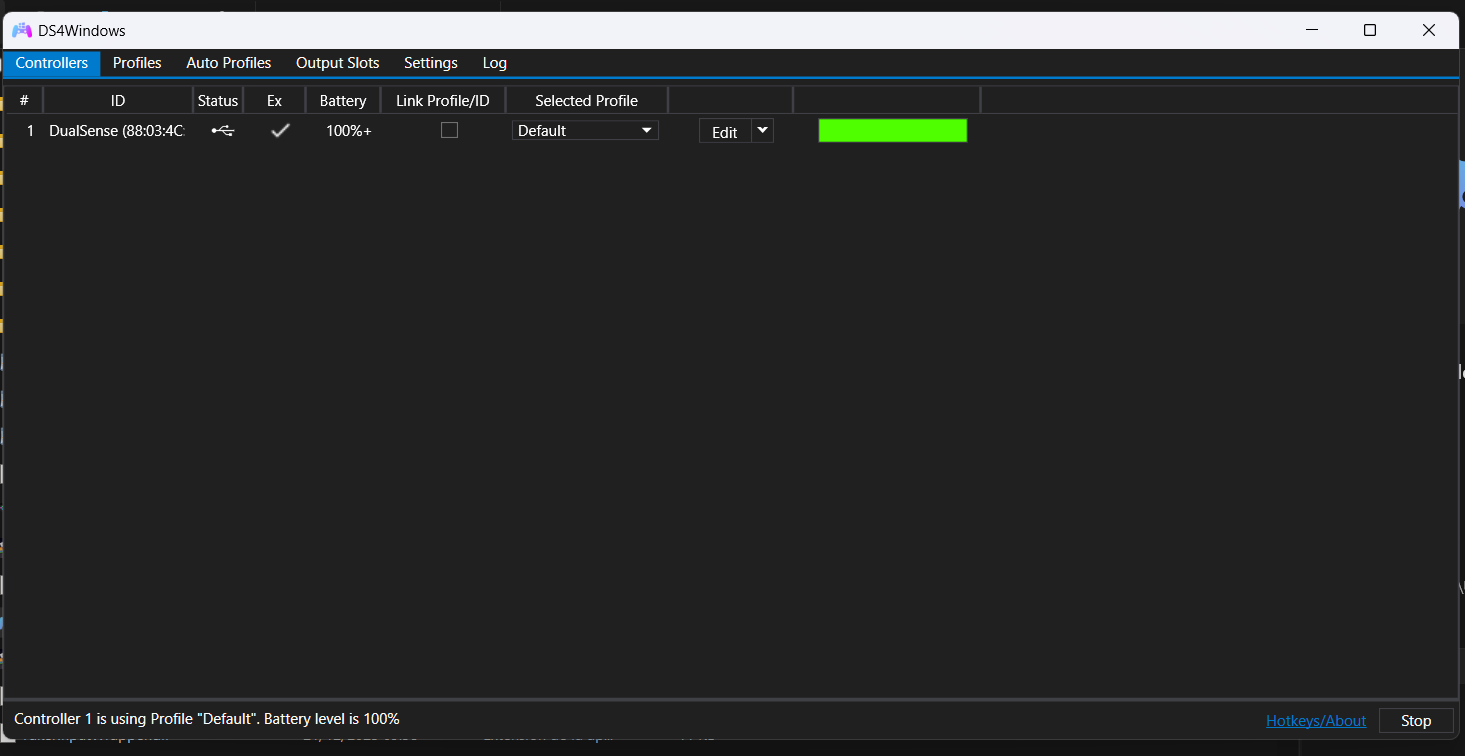
If all is correct, you'll watch something like this:
  • Step 4
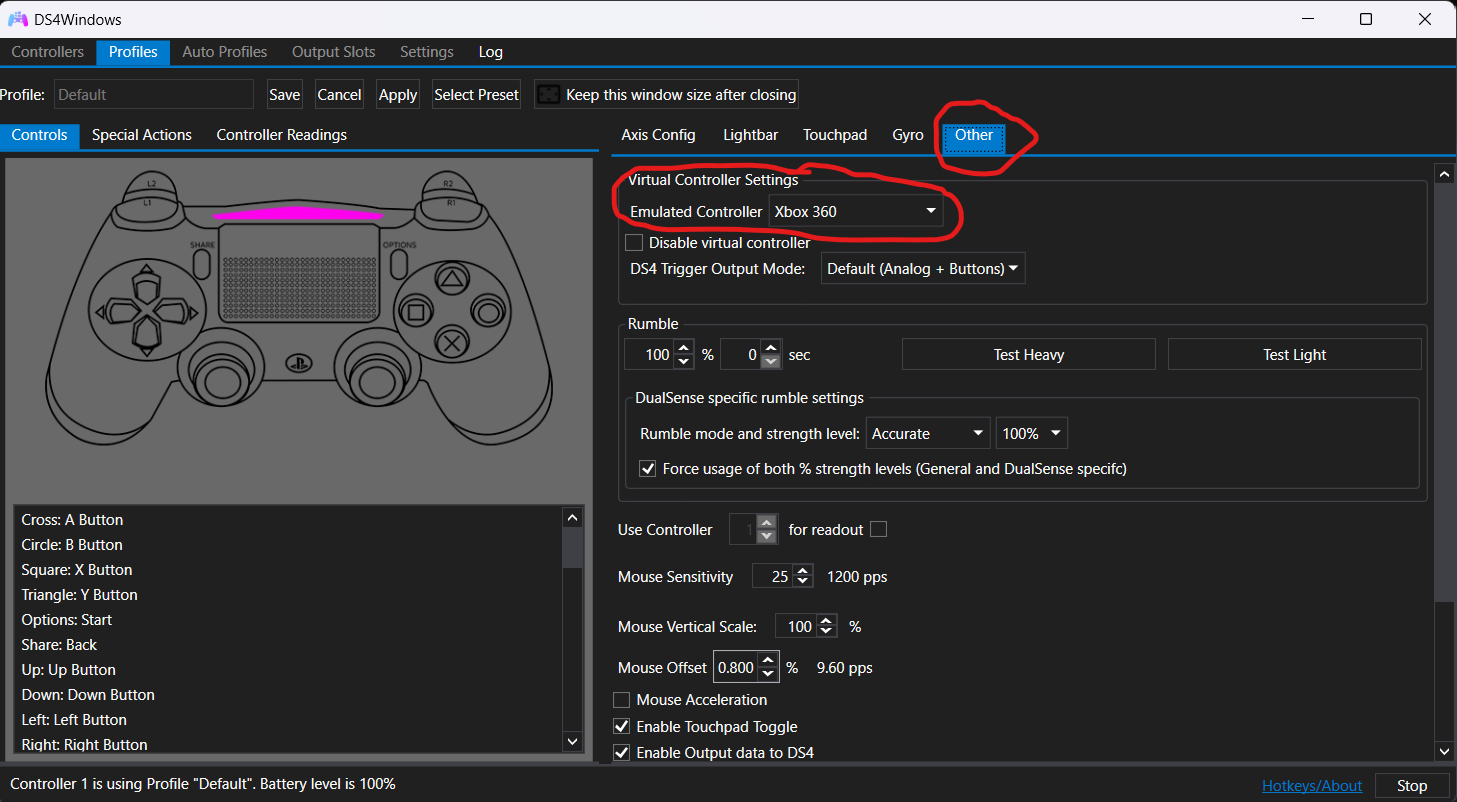
Click on the edit button, then to other, and select emulated controller to xbox 360, then click apply:
  • Step 5 (Optional but recommended)
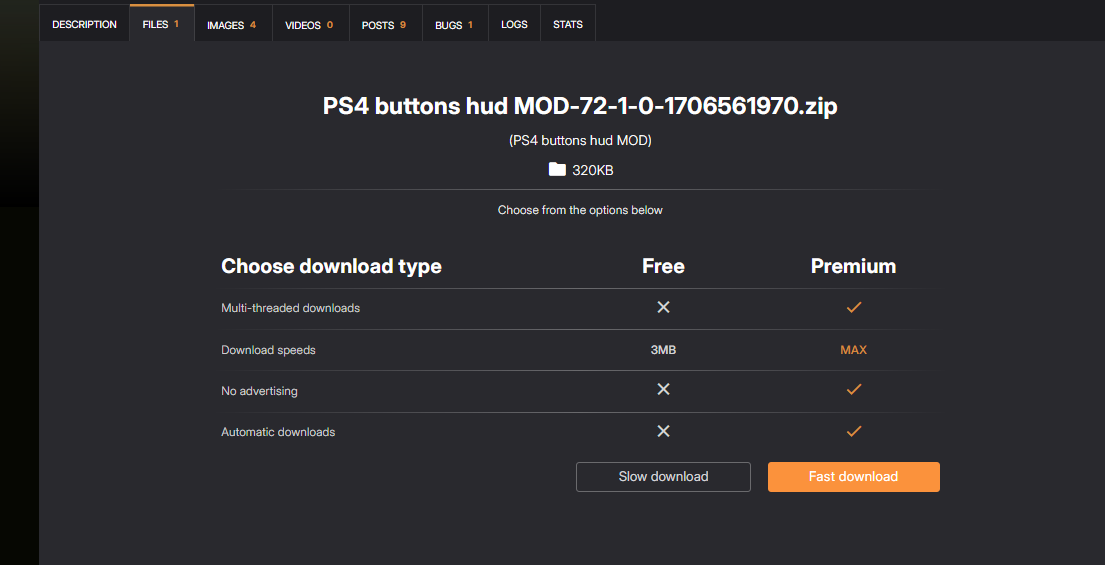
This step is to put the controller buttons to the hud, you'll need to download this mod.[www.nexusmods.com]
Click on slow download (only take a few seconds):
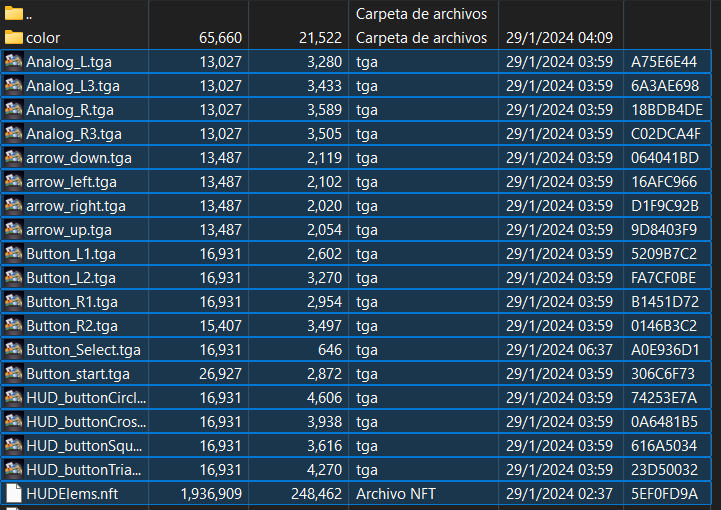
Then, put the next elements in the game TXD folder (the color folder is to had the ps4 buttons):
  • Step 6
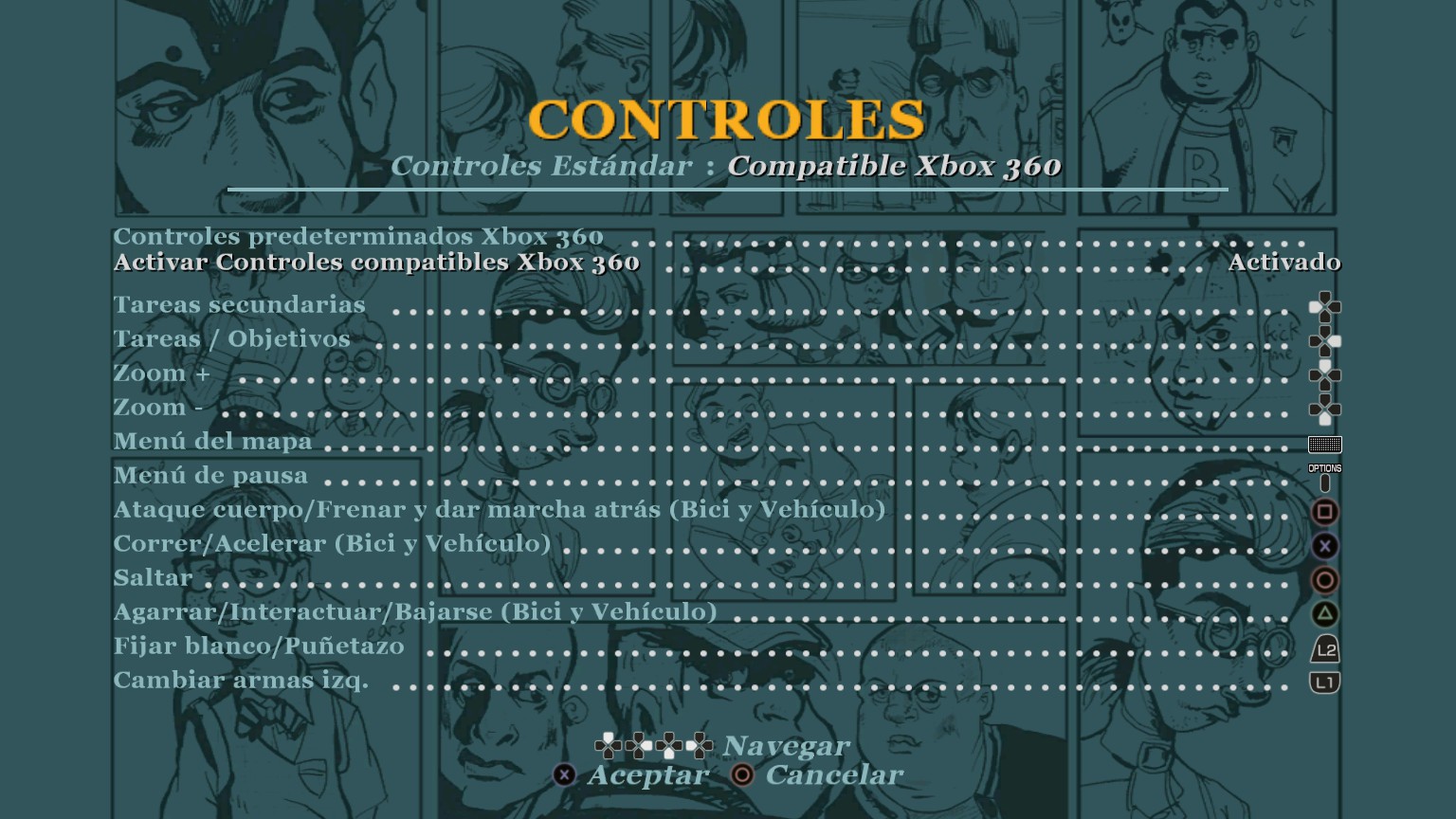
Open Bully: Scholarship Edition, go to history, then put the menu of history and select controls, switch to the options of xbox 360 controller with the key 🡺, and then 🡻, 🡺, alt.
And that's all, now you can play Bully: Scholarship Edition with your PS4/PS5 controller.
Thanks

If this guide was helpful please like it and give an award.
  • Update 1
I noticed that I not explain something important if your controller doesn't work.
You need to open DS4 as admin, then disconect your controller to your pc and click on stop, wait a few seconds and click on start, and connect again your controller.
I hope now your controller works fine.
3 Comments
Bing Chilling 8 Dec @ 3:56am 
steam input works. you only need this program if you are trying to use a ps3 controller.
Da Drewsta 20 Nov @ 11:17pm 
Or just turn on steam input for playstation controllers? lmfao
nixkiez 6 Sep @ 6:25am 
Steam Input also does the trick but for some reason if it doesn't then this can be a second option.