Two Point Hospital

Two Point Hospital

Not enough ratings
Getting the Convention-al Rug
By JVC
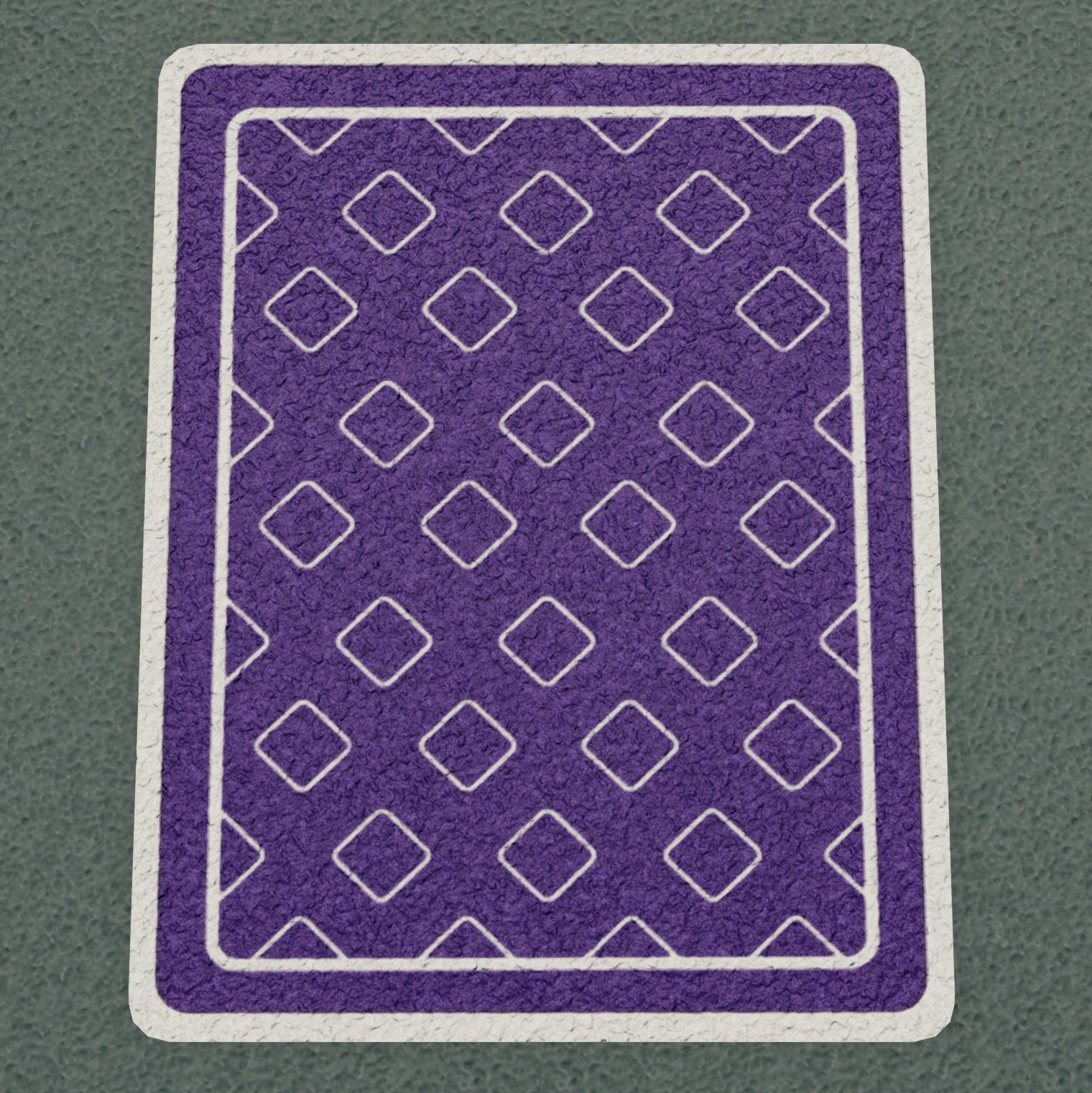
The Convention-al Rug was supposed to only be available at a convention in 2018.

You can still get it. Just follow the guide.
   
Award
Favorite
Favorited
Unfavorite
Guide copyright
This guide was made by JVC for the Steam community.
If you are seeing this elsewhere then the content has been stolen and reprinted without permission.

This line since a website stole the content after 1 day.

What is the Convention-al Rug ?
The Convention-al Rug was given to people at a Twitch convention back in 2018. It was never added to any of the DLCs and was supposed to be exclusive to that event.

Turns out you can still claim it.

Just follow this guide.
How do I get that item?
Please remember: You should never use your Steam credentials on any website that isn't Steam.

But this method is safe because you only sign in on Steam's own webpage.

1) Open a Chrome browser and go to Steam's own webpage.

you can google it or use the link below

https://steamproxy.com/steamstore/

2) Sign in to Steam. You're now accessing Steam using your Chrome browser.

Using the same tab in Chome now go to https://steamdb.info/app/963240/info/

which is Steamdb.info's page for the Convention-al Rug.

Click "install" (green icon in the top right corner). Steamdb.info will ask you to sign in. If you've followed the guide steamdb.info will show you a login option where your Steam avatar is already shown. That's because you've already safely logged in to your Steam account on Steam using the same browser.

Just click your avatar image.

This means that you only signed in on Steam's own webpage, you never used your Steam credentials on Steamdb.info

On the Steamdb.info page you might have to click "install" again just in case.

The Convention-al Rug is a hidden DLC so it won't show up on your list of DLCs. It will show up on your list of product key activations.

On your Chrome browser now sign out from Steam (just in case) and exit the browser.

Open Two Point Hospital. Go to a room where you can use the carpet, e.g. the GP Office or the Staff Room and try to add a new item to the room.

You now have access to the Convention-al Rug which wasn't supposed to be available any longer.

https://steamproxy.com/sharedfiles/filedetails/?id=2990542583

Unlock it for 200 Kudosh. Done.

https://steamproxy.com/sharedfiles/filedetails/?id=2990595834

Inspiration for this guide was this old Reddit post:

https://www.reddit.com/r/TwoPointHospital/comments/9rnbn8/new_dlc_conventional_rug/

I didn't get their method to work but it made me realize the item was still available on Steamdb.info
3 Comments
pz_leo 7 Jul, 2024 @ 3:15pm 
Dzięki.
JVC  [author] 23 Jul, 2023 @ 9:21pm 
Good to hear. It does look pretty good compared to the regular rugs.
YellowJello 23 Jul, 2023 @ 9:05pm 
Hey, it works! I was getting pretty tired of the other two regular rugs. Thank you!