



安装 Steam
登录
|
语言
繁體中文(繁体中文)
日本語(日语)
한국어(韩语)
ไทย(泰语)
български(保加利亚语)
Čeština(捷克语)
Dansk(丹麦语)
Deutsch(德语)
English(英语)
Español-España(西班牙语 - 西班牙)
Español - Latinoamérica(西班牙语 - 拉丁美洲)
Ελληνικά(希腊语)
Français(法语)
Italiano(意大利语)
Bahasa Indonesia(印度尼西亚语)
Magyar(匈牙利语)
Nederlands(荷兰语)
Norsk(挪威语)
Polski(波兰语)
Português(葡萄牙语 - 葡萄牙)
Português-Brasil(葡萄牙语 - 巴西)
Română(罗马尼亚语)
Русский(俄语)
Suomi(芬兰语)
Svenska(瑞典语)
Türkçe(土耳其语)
Tiếng Việt(越南语)
Українська(乌克兰语)
报告翻译问题














 奖励
奖励



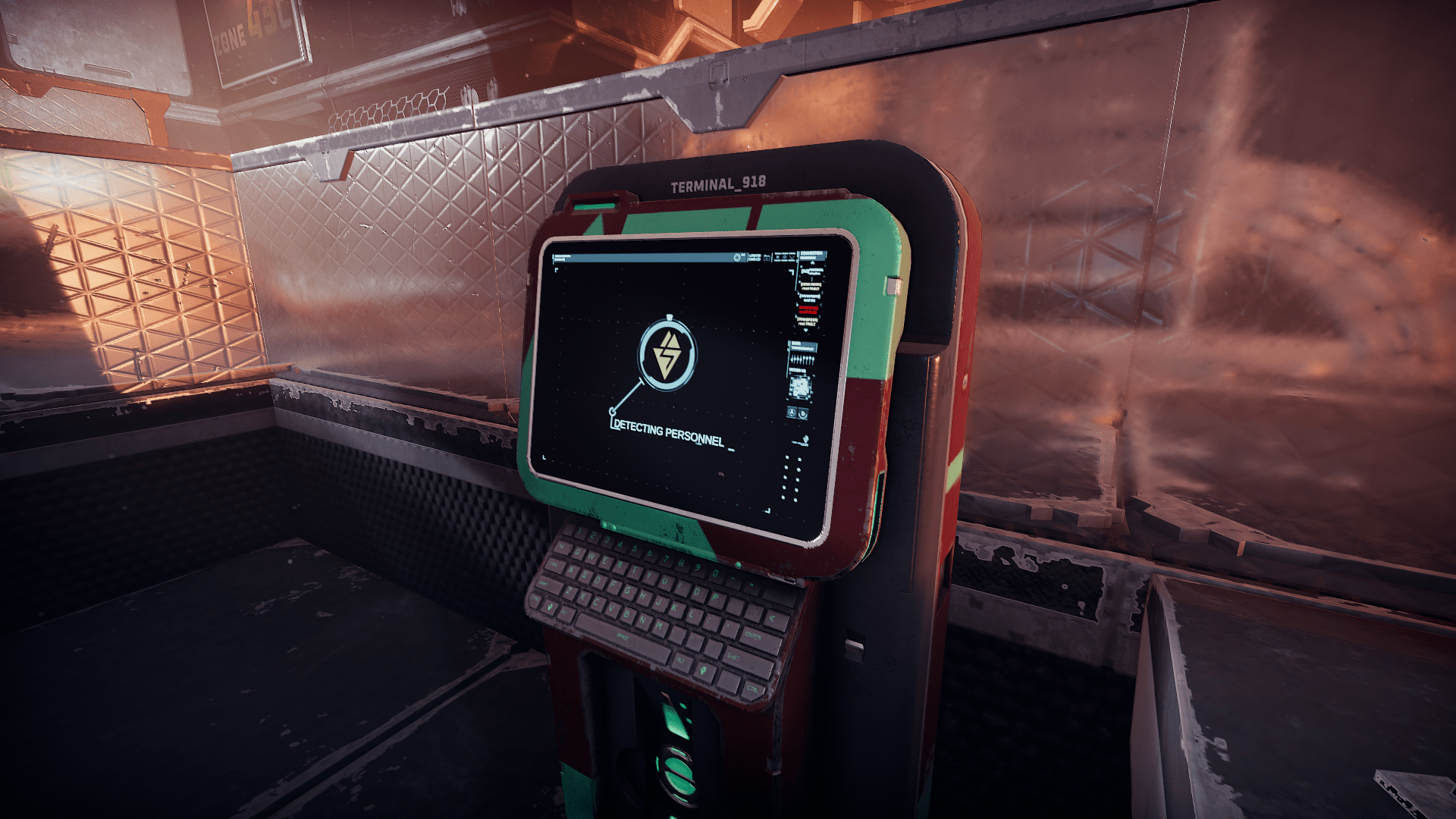

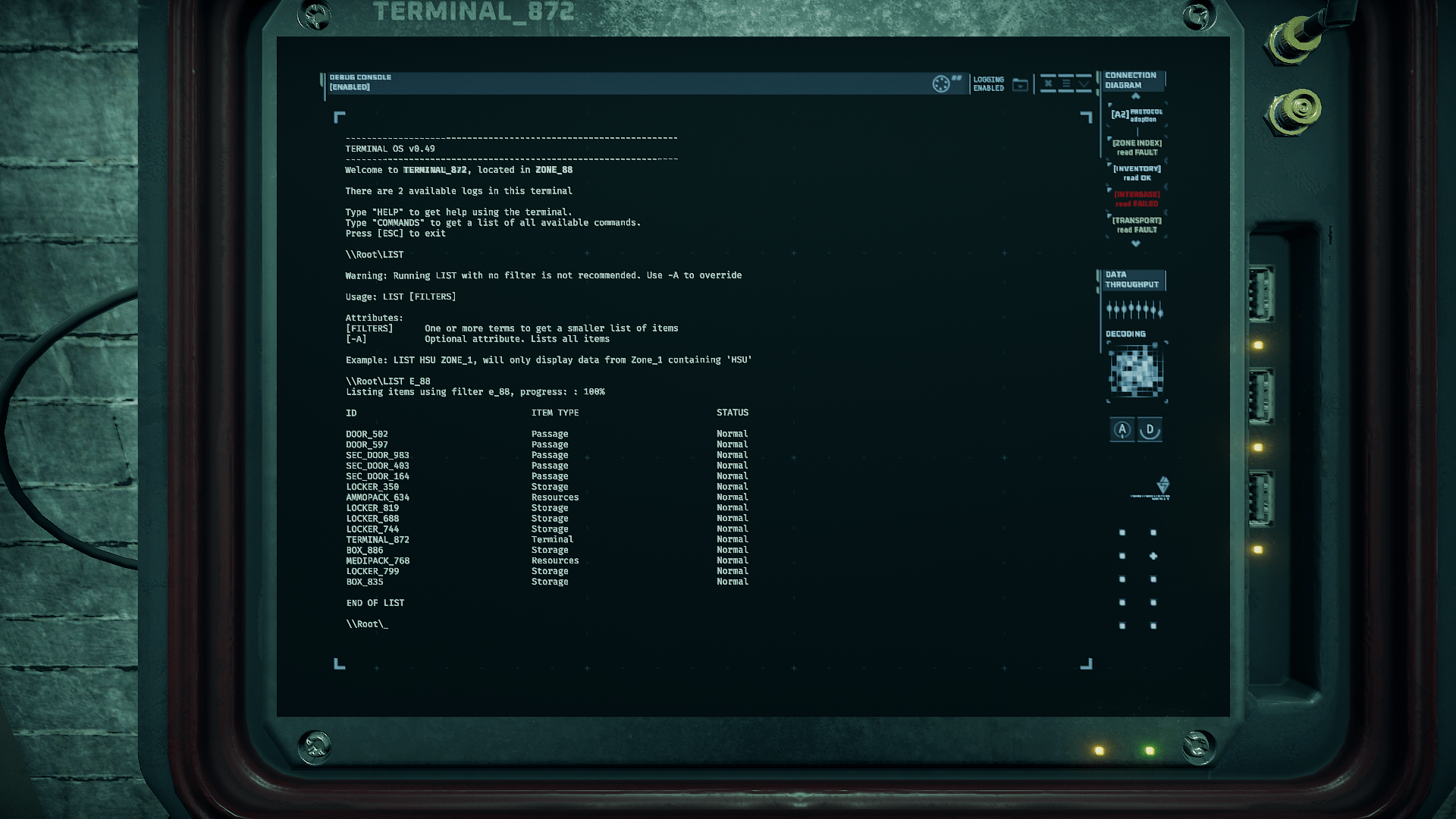
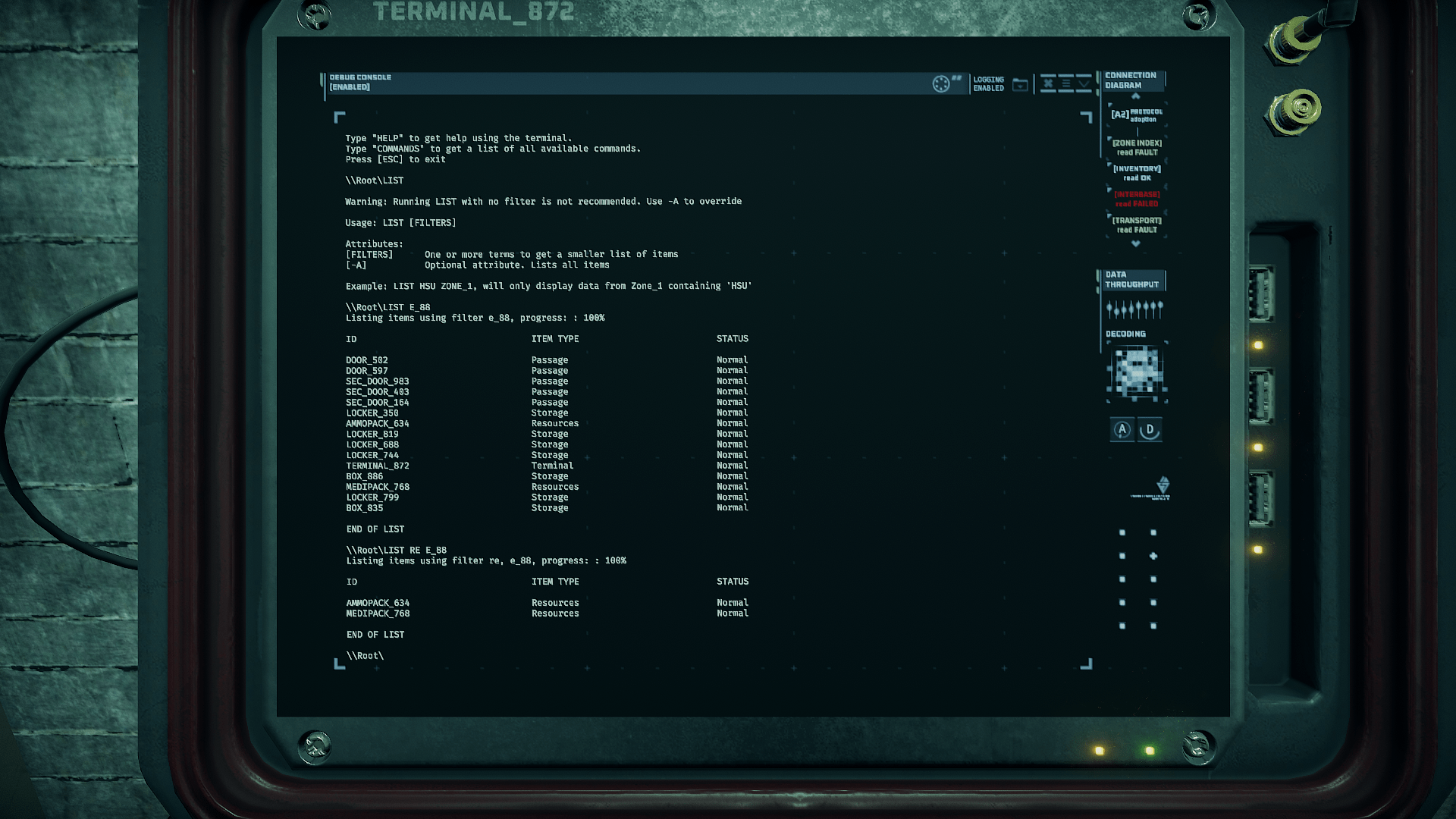
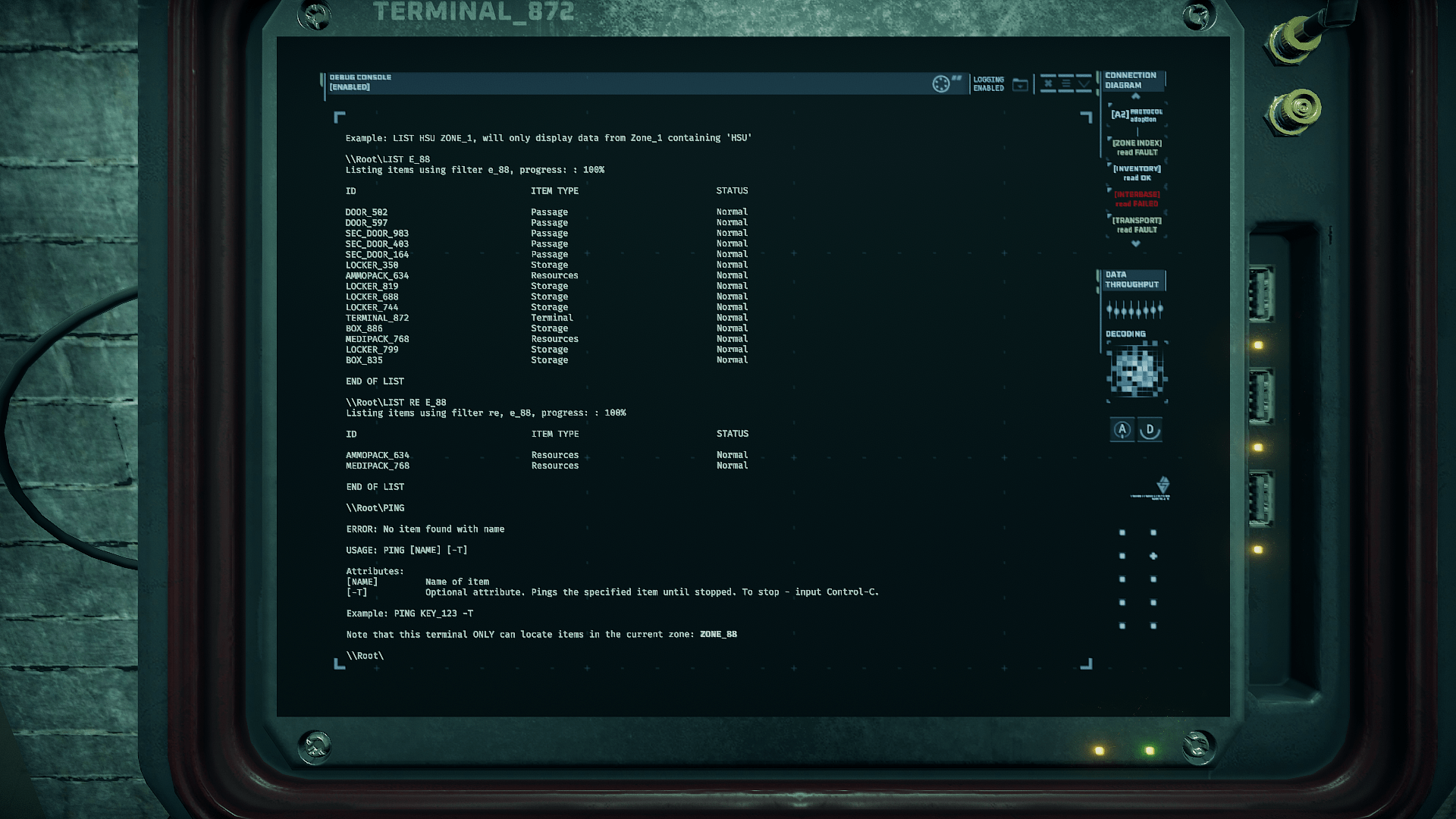
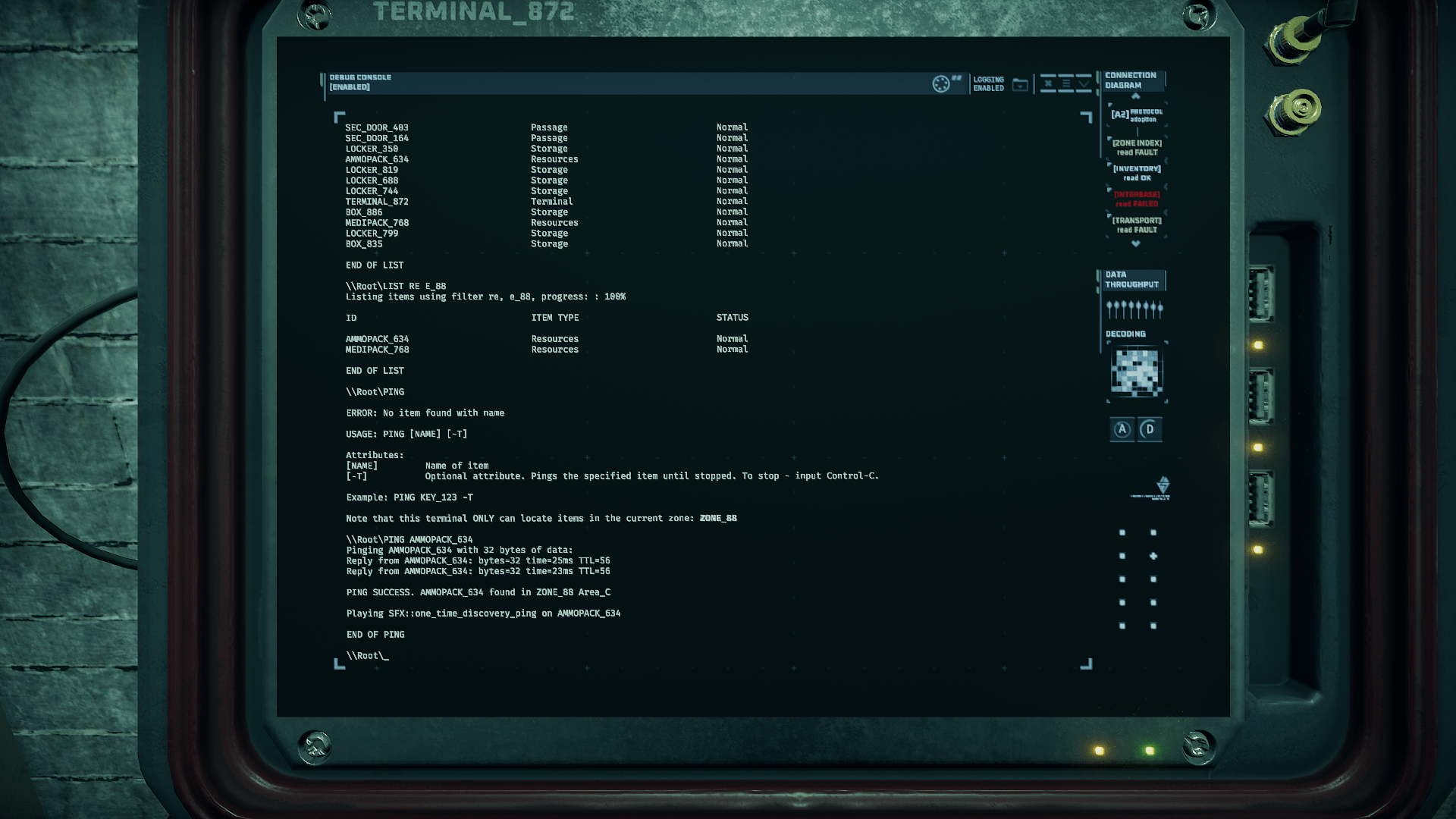
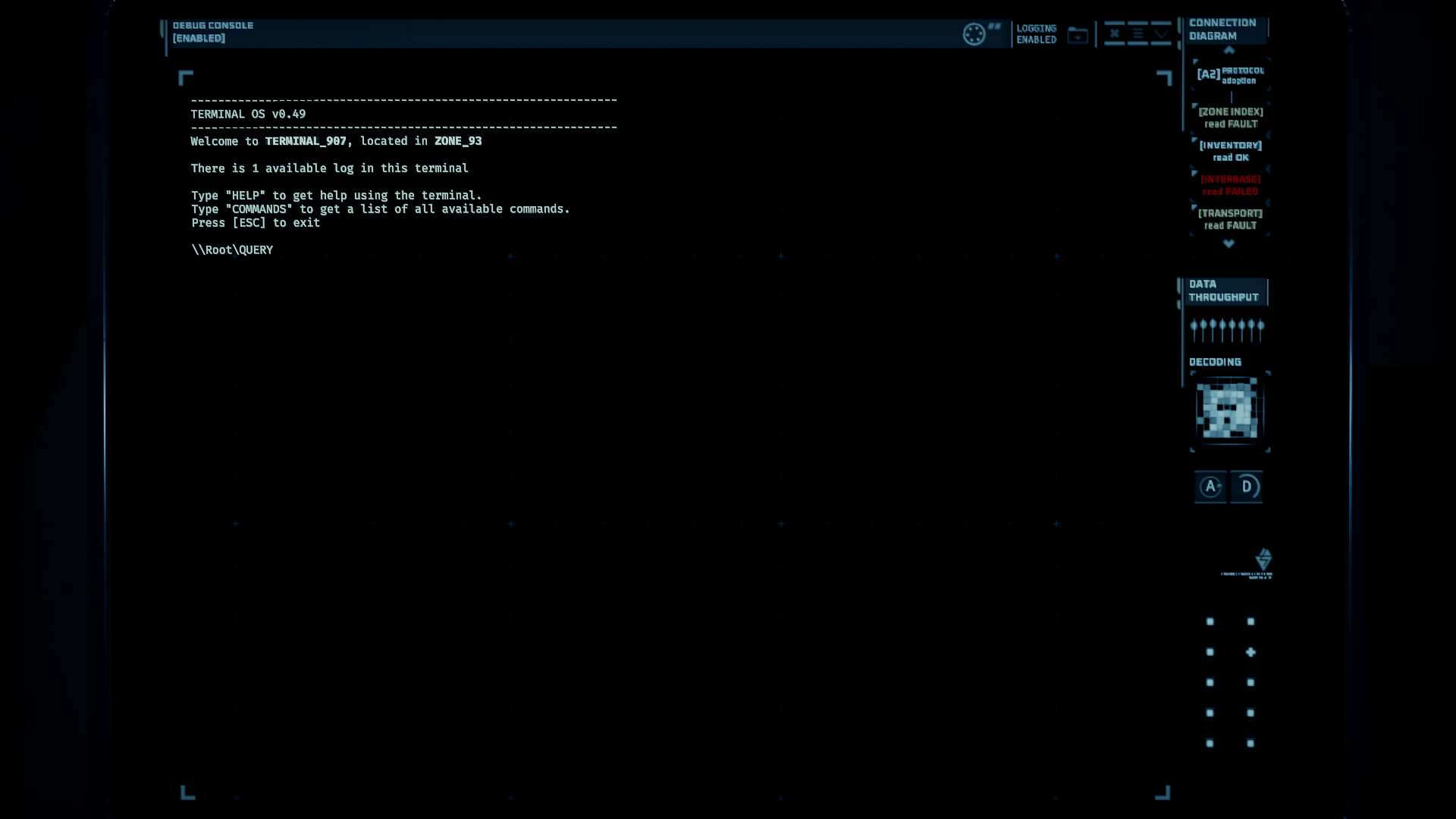
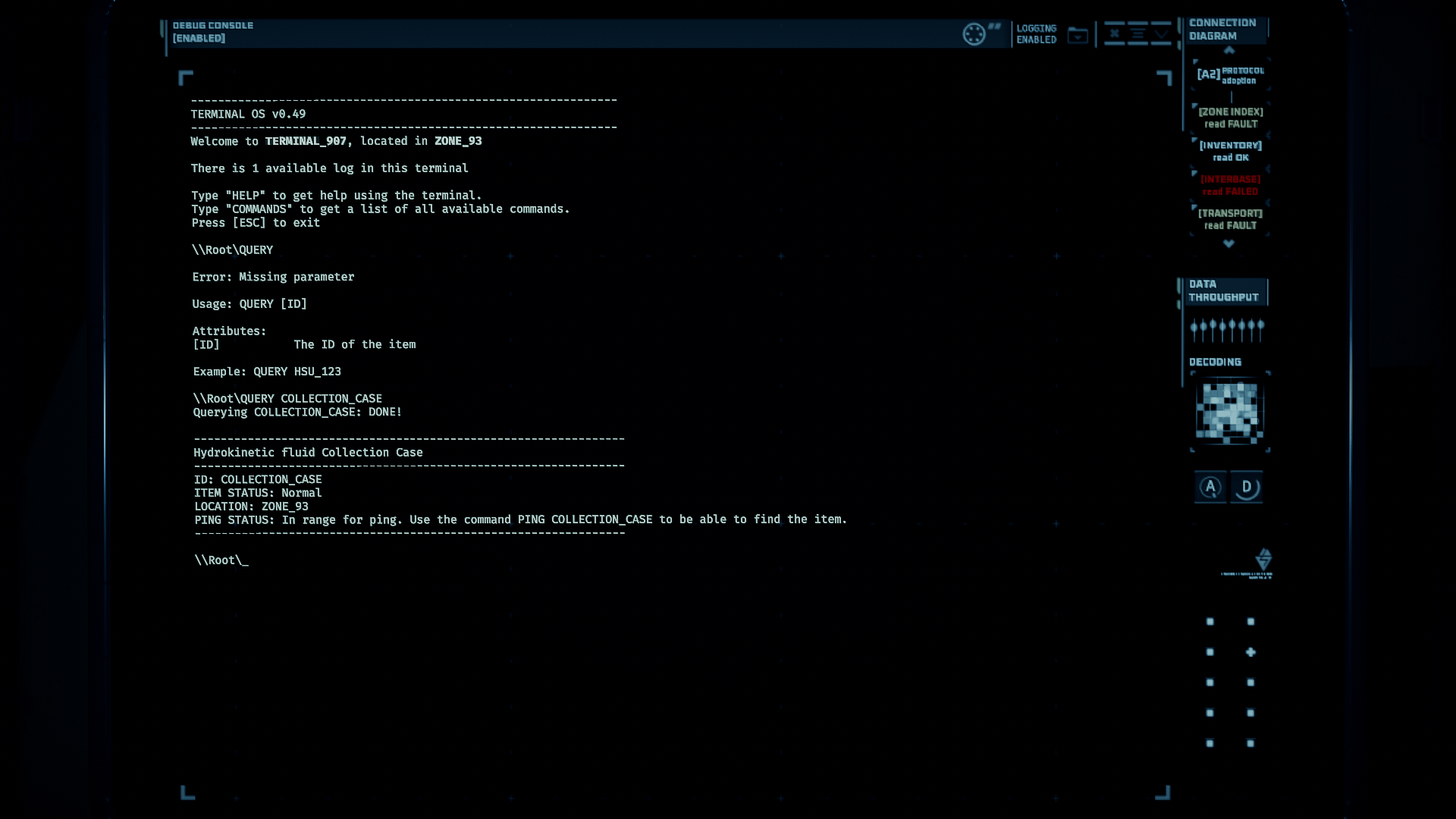
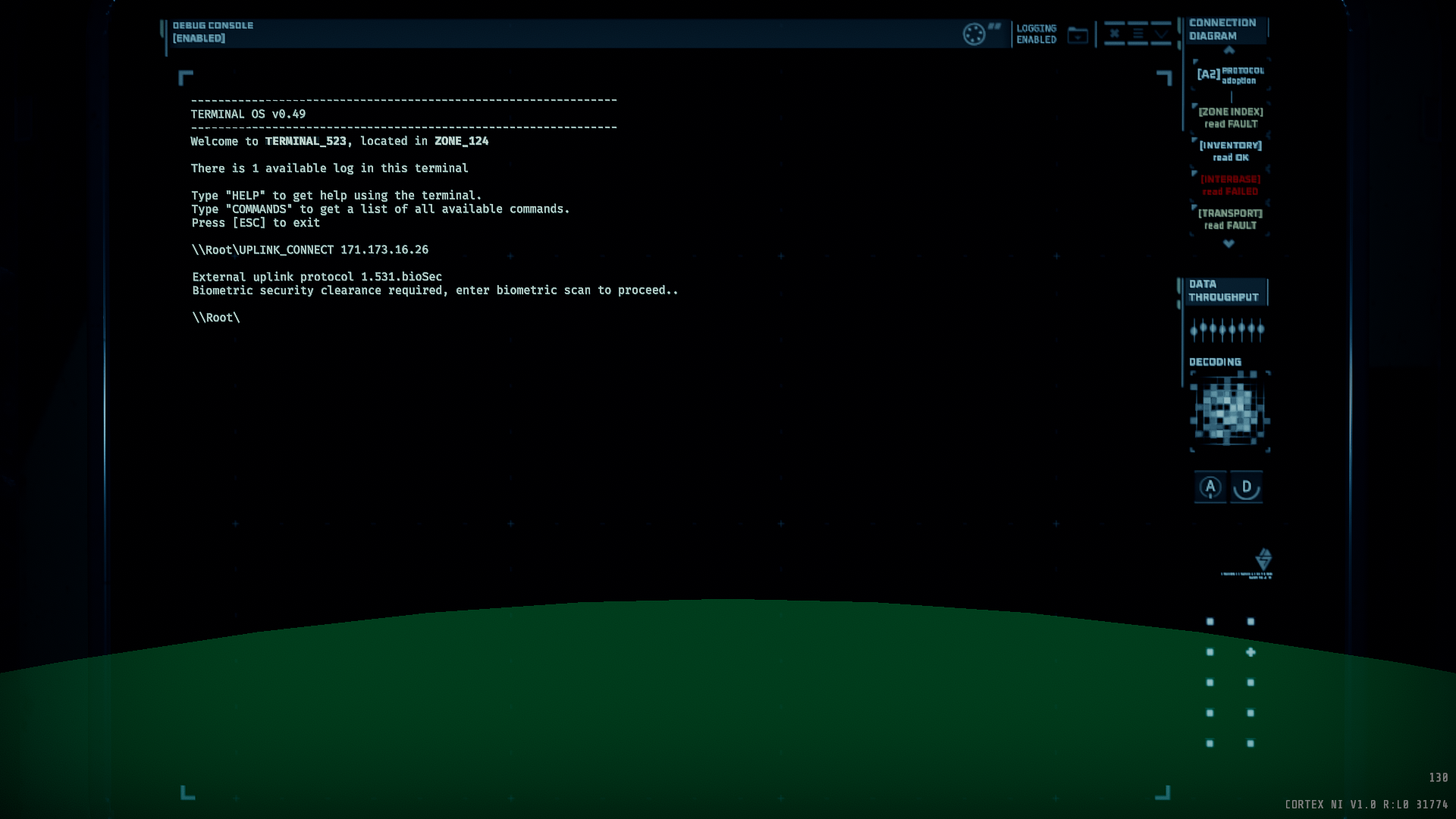
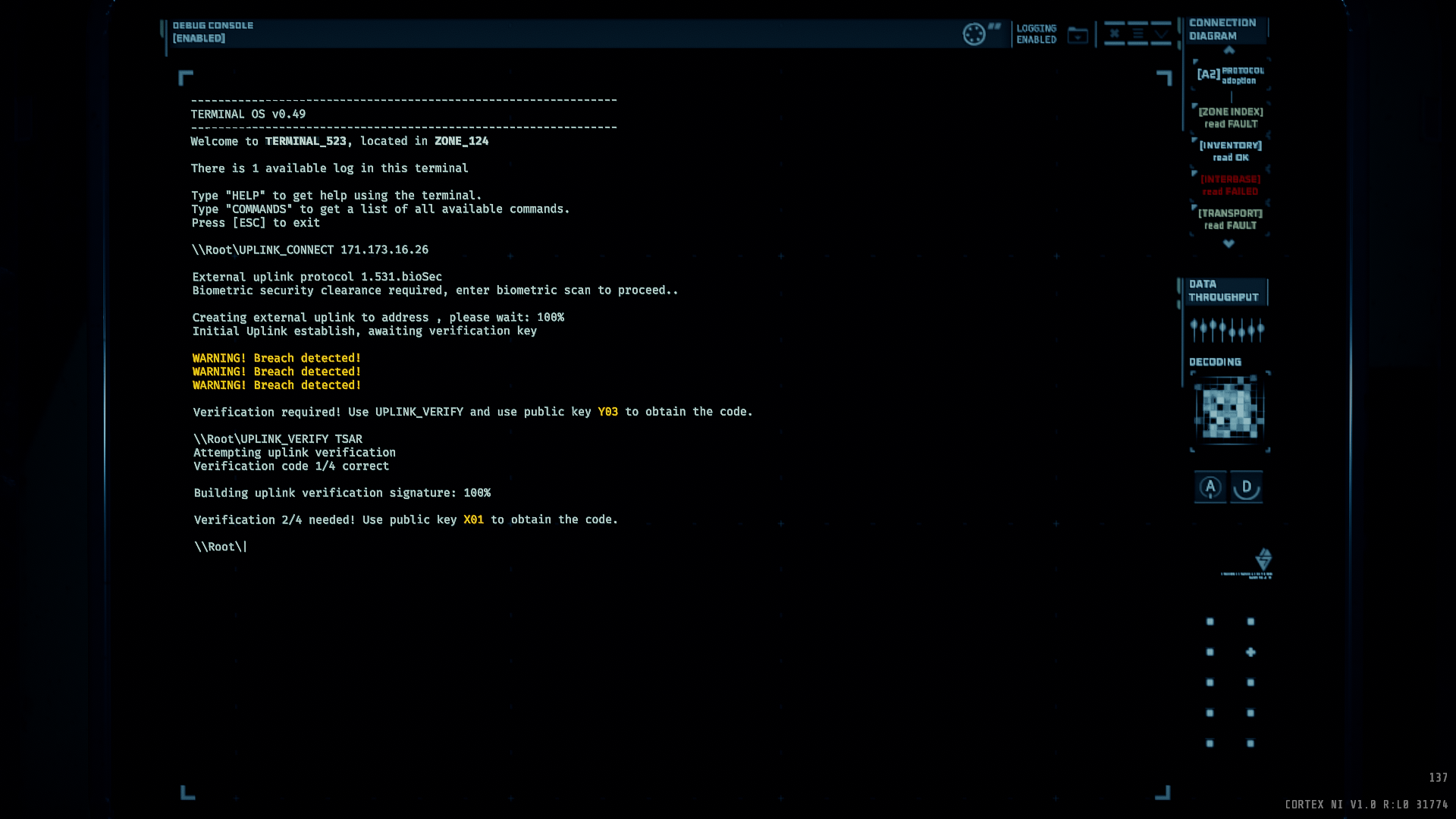



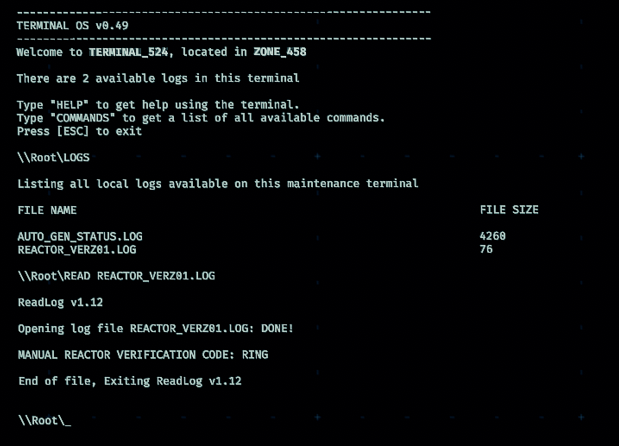
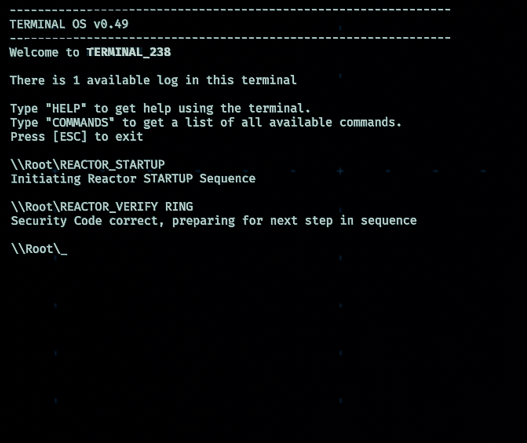



Mentioned before, but you can use the Tab key to autocomplete. Ex: MED + 'Tab' will autocomplete to MEDIPACK.
You can also use the Up arrow to scroll through previous commands you entered. Useful if you are doing the same command over again, or if you messed up and just need to correct the previously entered command (use the Left and Right arrows to move the cursor in the terminal. What you type goes on the left side of the cursor).
"List zone_62 resources" will narrow it down to just useful things.
"List zone_62 tool_refill" for just tool refill kits in zone 62
"List resources" for all the usable supplies left on the map. (Not including small items like glowsticks and fog repellers.)
"List tool_refill" for all the tool refill kits on the map.
Btw, is it possible to list a specific zone? I have not managed to get it working, so for example, list zone_62a or something like that.