Steam
1,089 beoordelingen
Transparent Icons for Animated Workshops
Door Aezillo en 2 bijdrager(s)
Upload animated workshops with a more transparent game icon.


2
   
Prijs
Toevoegen aan favorieten
Toegevoegd aan favorieten
Verwijderen uit favorieten
Guide

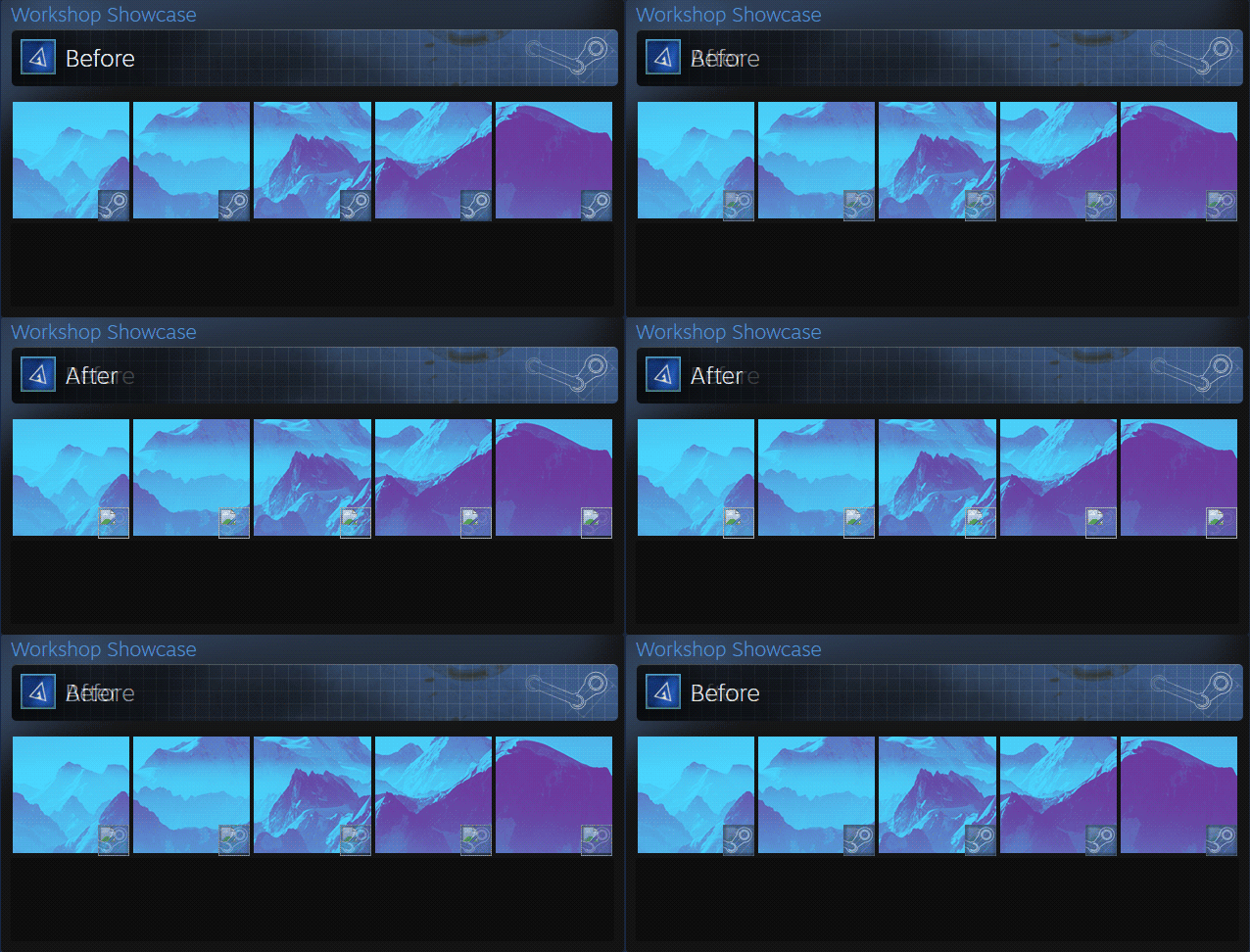
Just a small update guide showing you how to have a slightly more transparent game icon on your animated workshop animations. As you can see in the example above, it shows the broken picture icon.
  1. Visit this link in a browser: https://steamproxy.com/sharedfiles/edititem/767/3/

  2. Right click anywhere, inspect elements, and go to the console tab.

  3. Paste this code in the console and press enter:
    $J('[name="appid"]').val("241100");$J('[name="consumer_app_id"]').val("241100");$J('[name="visibility"]').val("0");$J('[name=file_type]').val('11');

  4. Close the console, fill out the page, and click save.

  5. Ignore the text at the top of the next page, you've successfully uploaded your animation.

  6. Go ahead and redo the steps for whatever other workshop artwork you want to upload.
Credit to Adrenalin for finding this. This was just a small update guide to alert people of this discovery. Visit the main guide here.
110 opmerkingen
♡ Klara ♡ 2 jun 2023 om 8:59 
error
JeR2K 3 apr 2022 om 19:24 
error ?
DryreL | Artwork Designer 2 okt 2021 om 9:42 
:Heart_m:
Locked 27 dec 2020 om 10:36 
:snikred: +🇷‌🇪‌🇵‌ 🇫‌🇴‌🇷‌ +🇷‌🇪‌🇵‌! :snikred:
:snikred: 🇸‌🇹‌🇪‌🇦‌🇲‌ 🇦‌🇼‌🇦‌🇷‌🇩‌ 🇫‌🇴‌🇷‌ 🇸‌🇹‌🇪‌🇦‌🇲‌ 🇦‌🇼‌🇦‌🇷‌🇩‌! :snikred:
MαSKα ® 3Ð VR 17 jul 2020 om 14:51 
$J('[name=consumer_app_id]').val(480);$J('[name=file_type]').val(11);$J('[name=visibility]').val(0);

working from Chrome

Thanks CaMomiLLABR
Koioti 15 jul 2020 om 15:52 
For me, it just worked by sending the files through Internet Explorer.

Using this code:

$J('[name=consumer_app_id]').val(480);$J('[name=file_type]').val(11);$J('[name=visibility]').val(0);
-Le0n- 14 jul 2020 om 9:04 
Add me for Cheap Steam Artworks. +Rep to this guide.
Babla Dhari 13 jul 2020 om 20:24 
wow, really clean stuff
Bebby 13 jul 2020 om 19:13 
Author, update the manual