



Steam telepítése
belépés
|
nyelv
简体中文 (egyszerűsített kínai)
繁體中文 (hagyományos kínai)
日本語 (japán)
한국어 (koreai)
ไทย (thai)
Български (bolgár)
Čeština (cseh)
Dansk (dán)
Deutsch (német)
English (angol)
Español - España (spanyolországi spanyol)
Español - Latinoamérica (latin-amerikai spanyol)
Ελληνικά (görög)
Français (francia)
Italiano (olasz)
Bahasa Indonesia (indonéz)
Nederlands (holland)
Norsk (norvég)
Polski (lengyel)
Português (portugáliai portugál)
Português - Brasil (brazíliai portugál)
Română (román)
Русский (orosz)
Suomi (finn)
Svenska (svéd)
Türkçe (török)
Tiếng Việt (vietnámi)
Українська (ukrán)
Fordítási probléma jelentése







 Díjazás



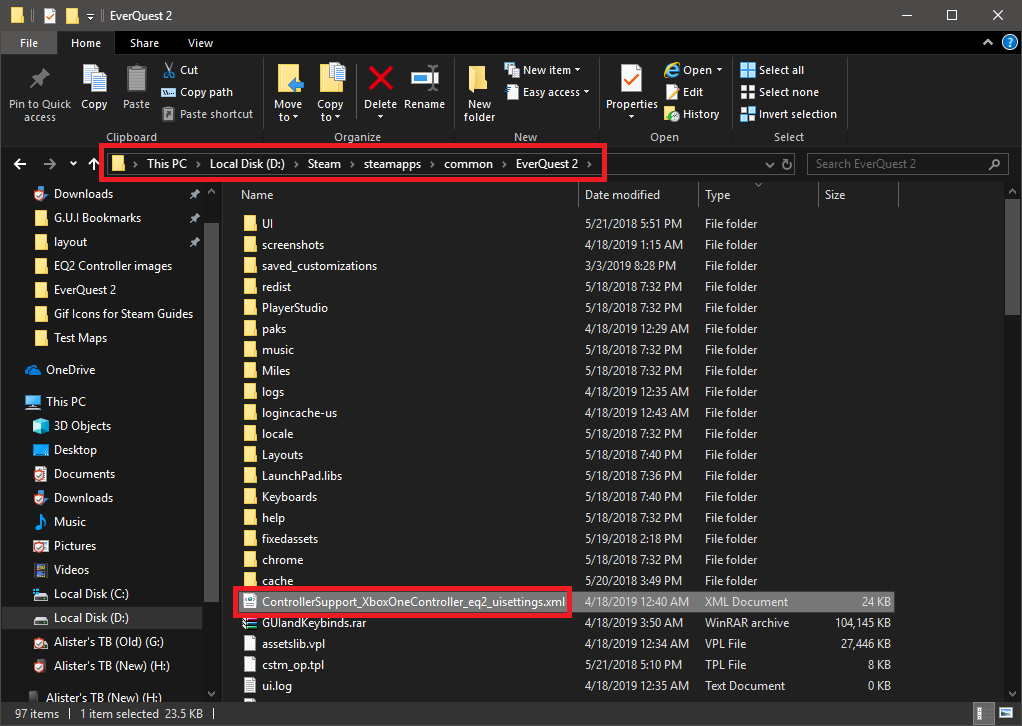
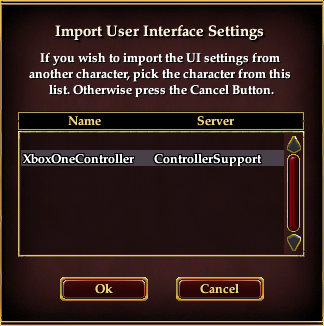
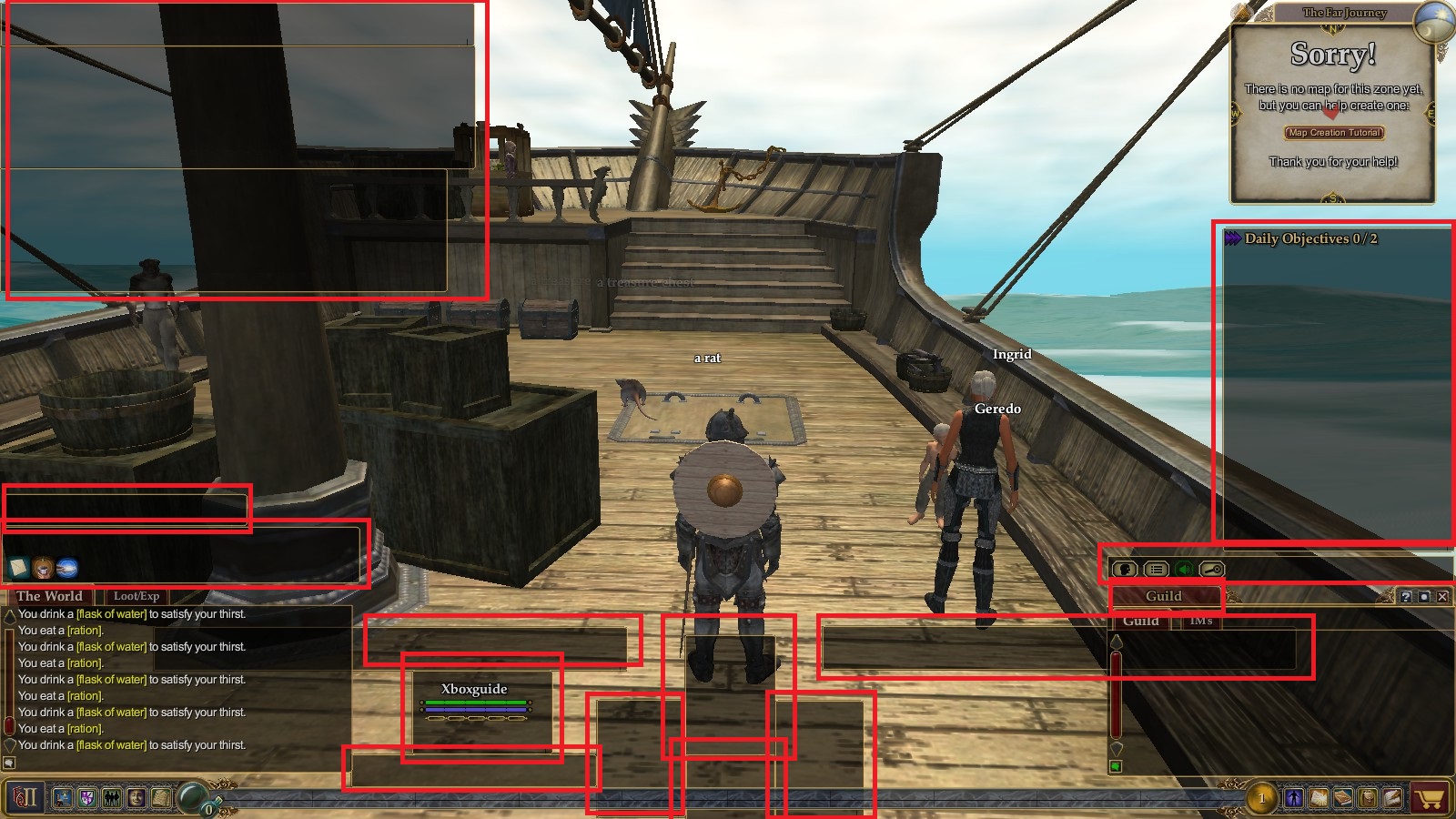
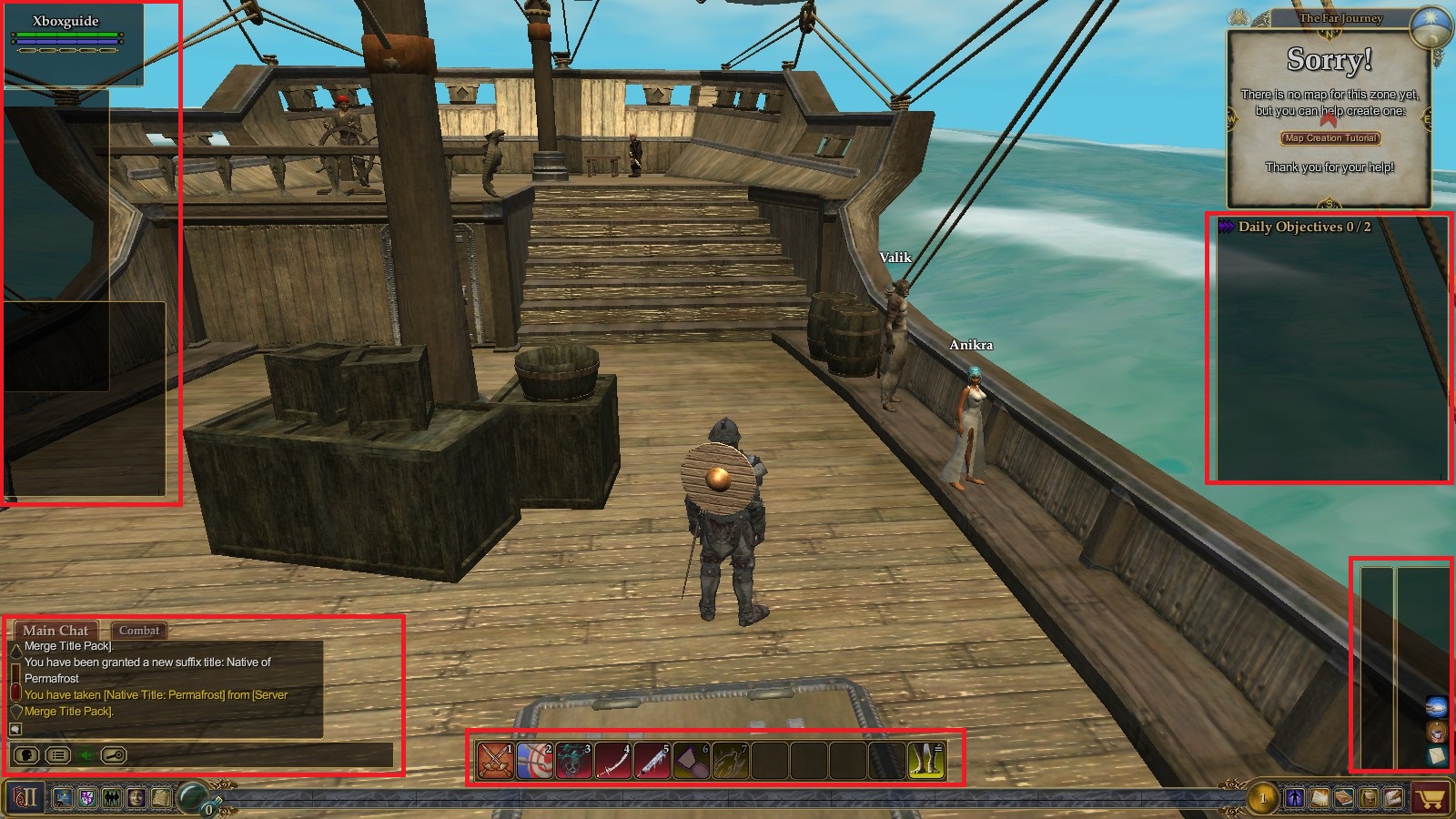
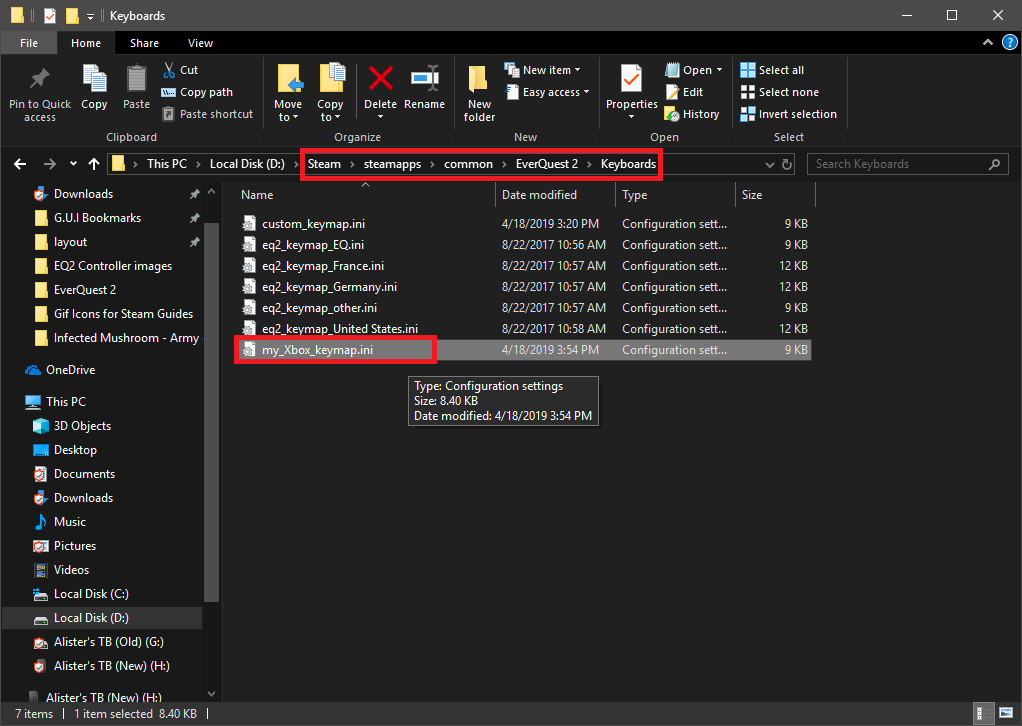
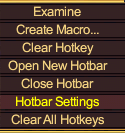
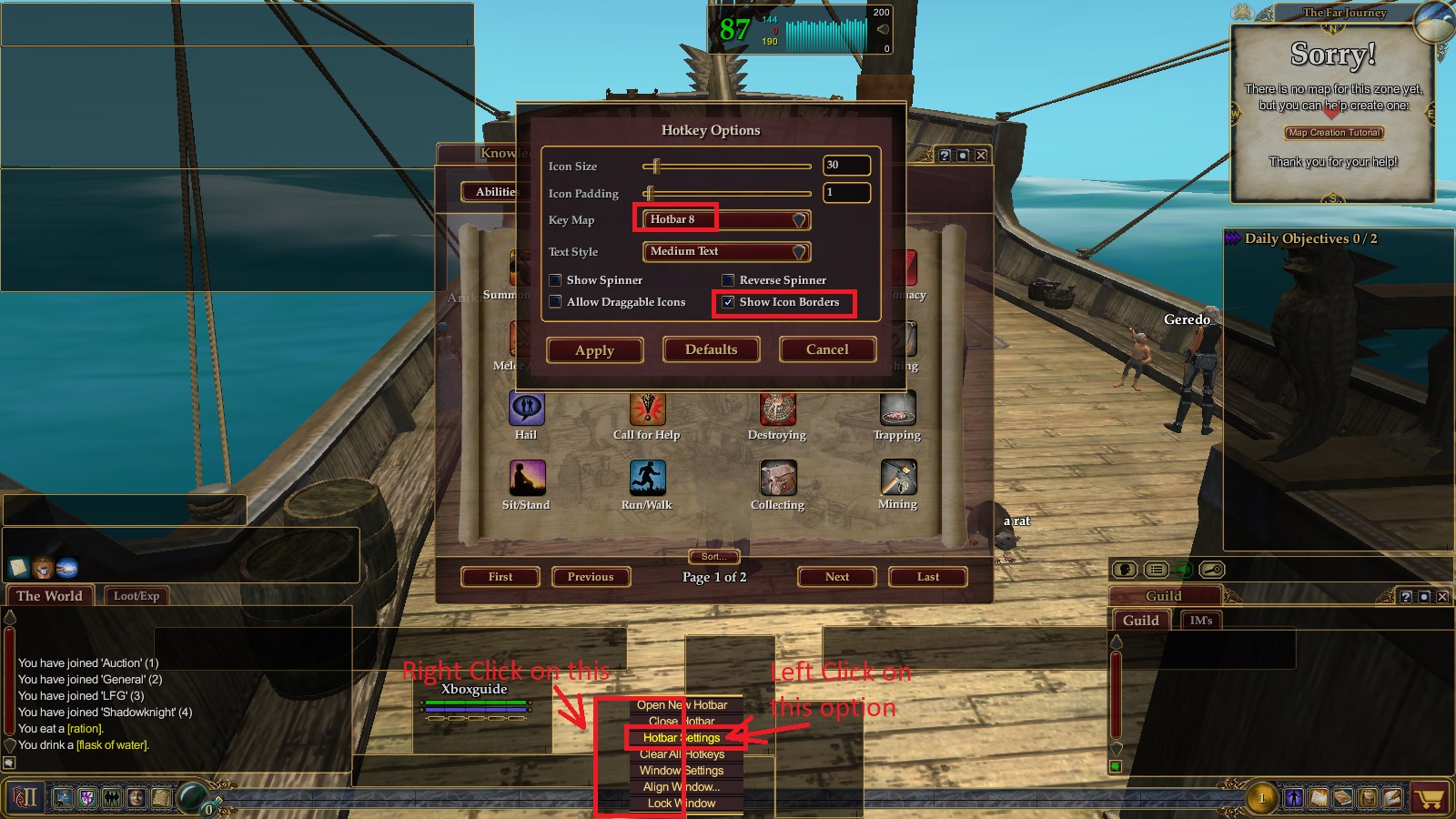
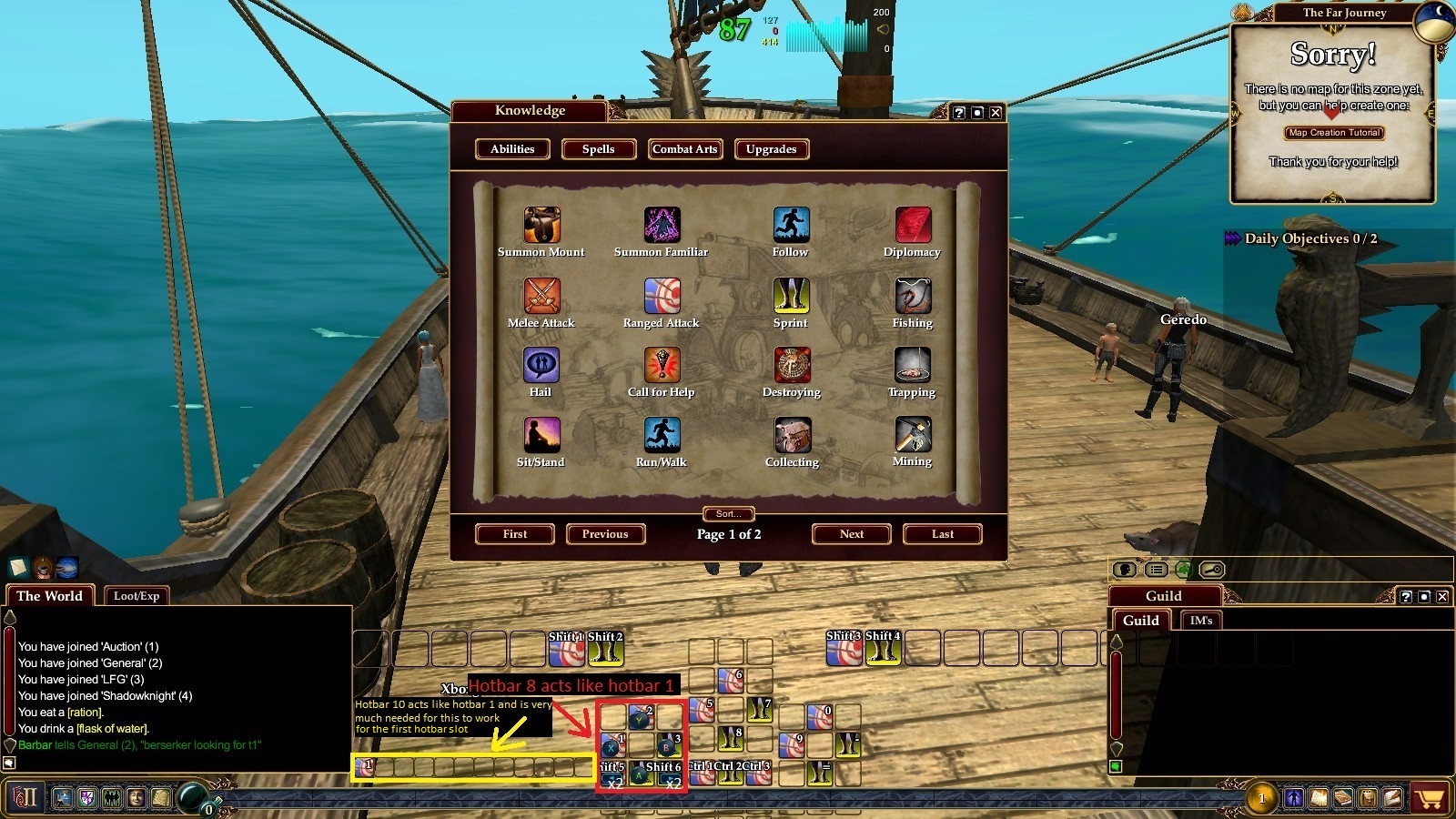
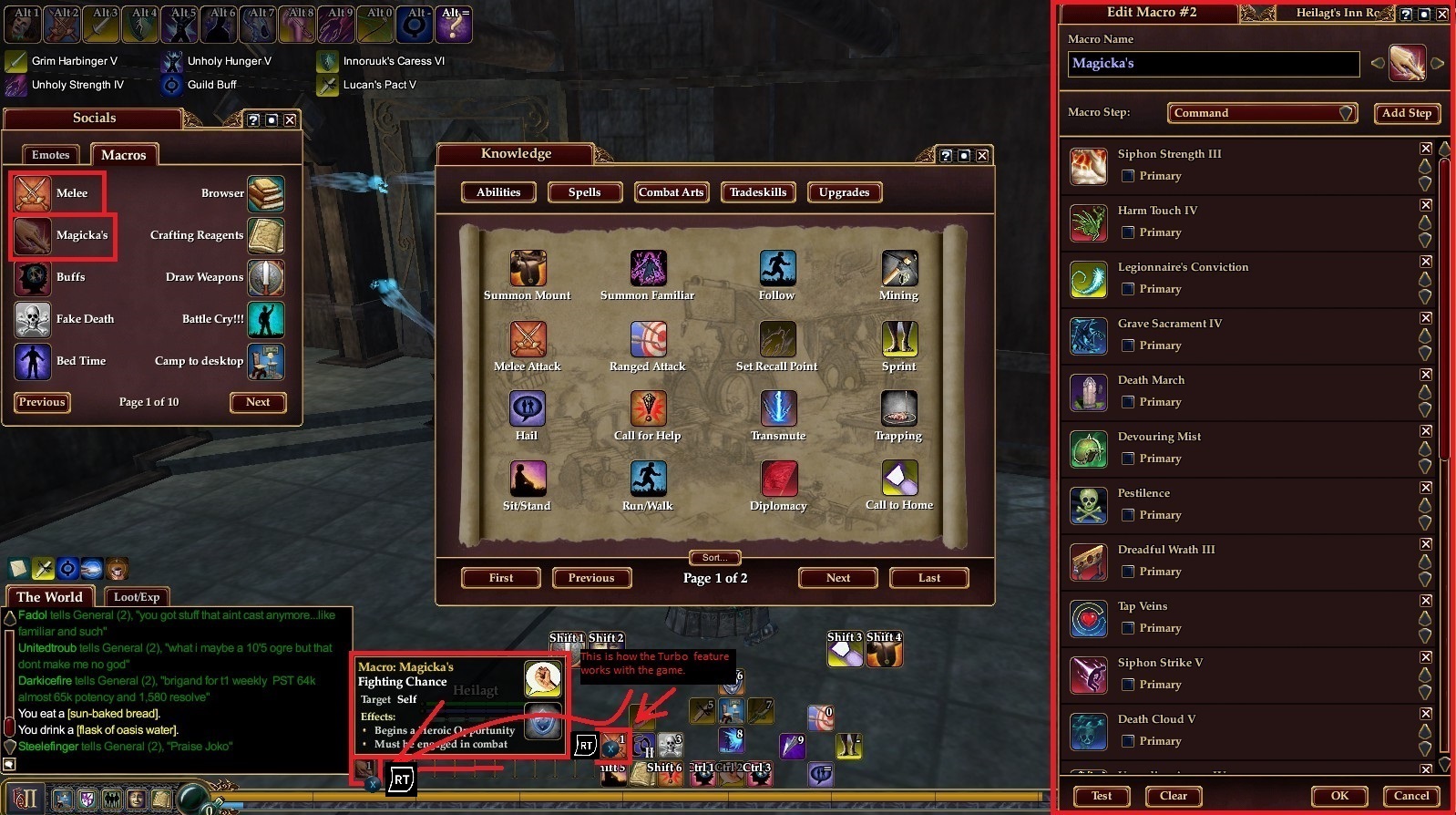
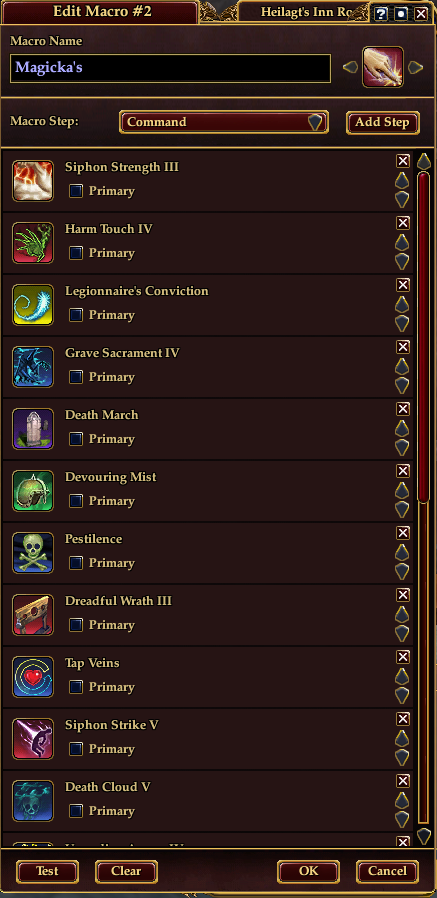
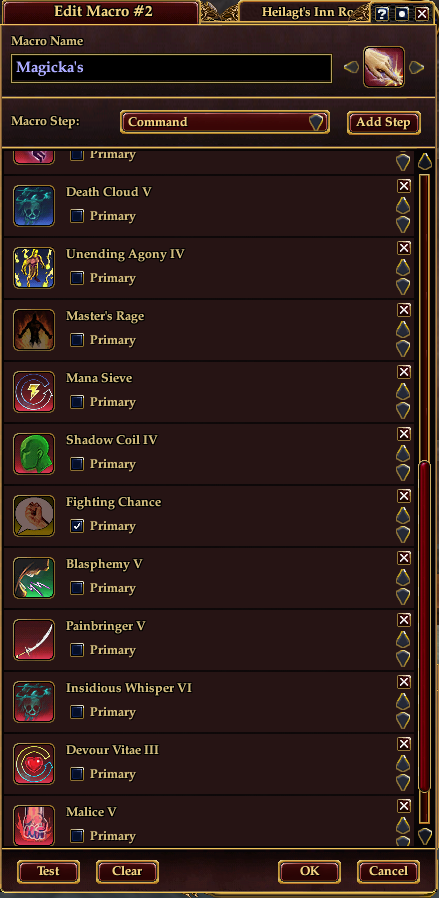
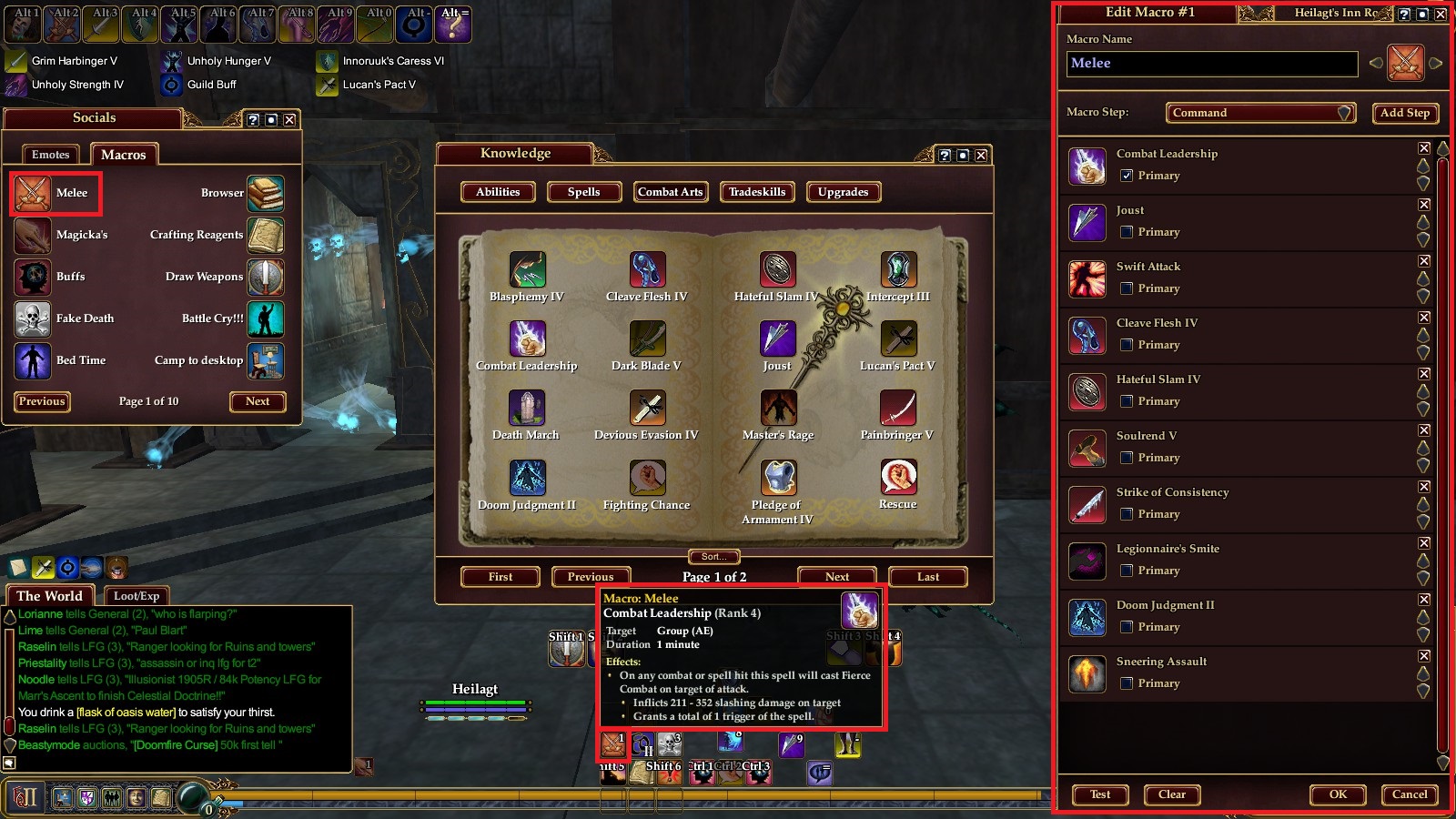
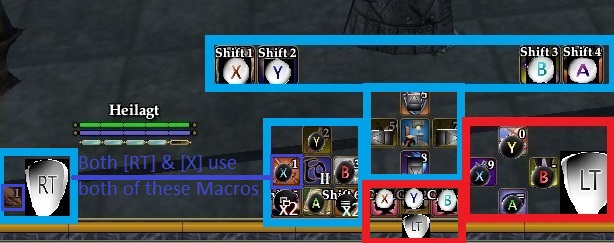
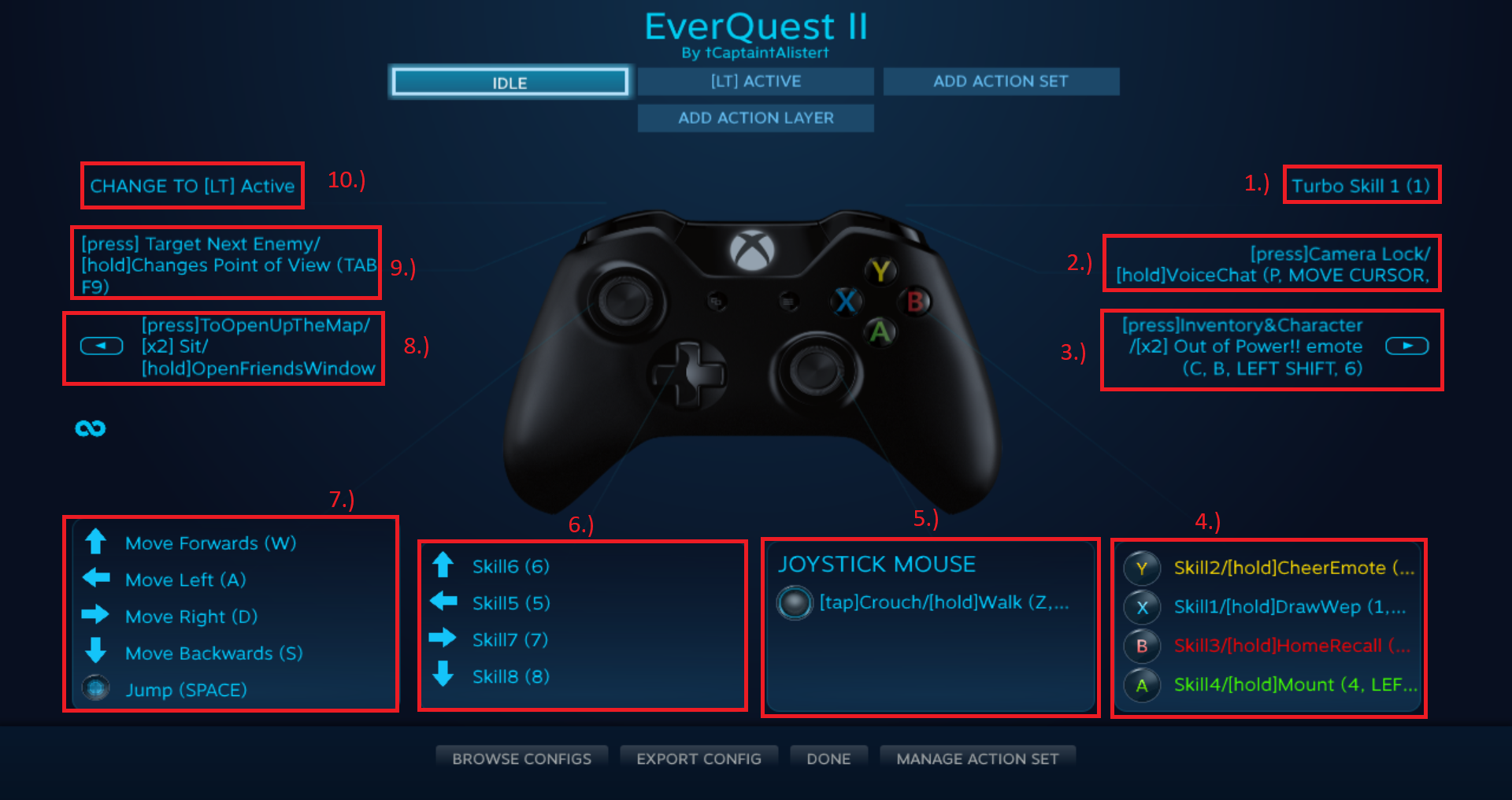
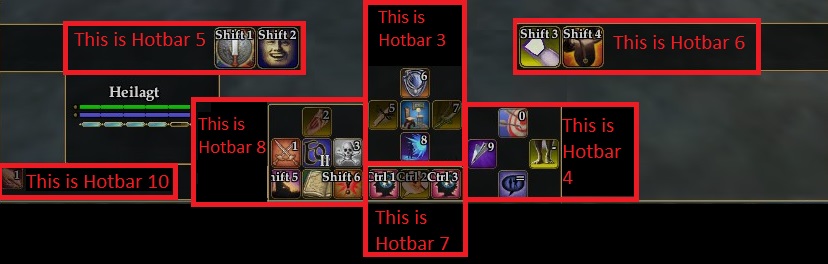
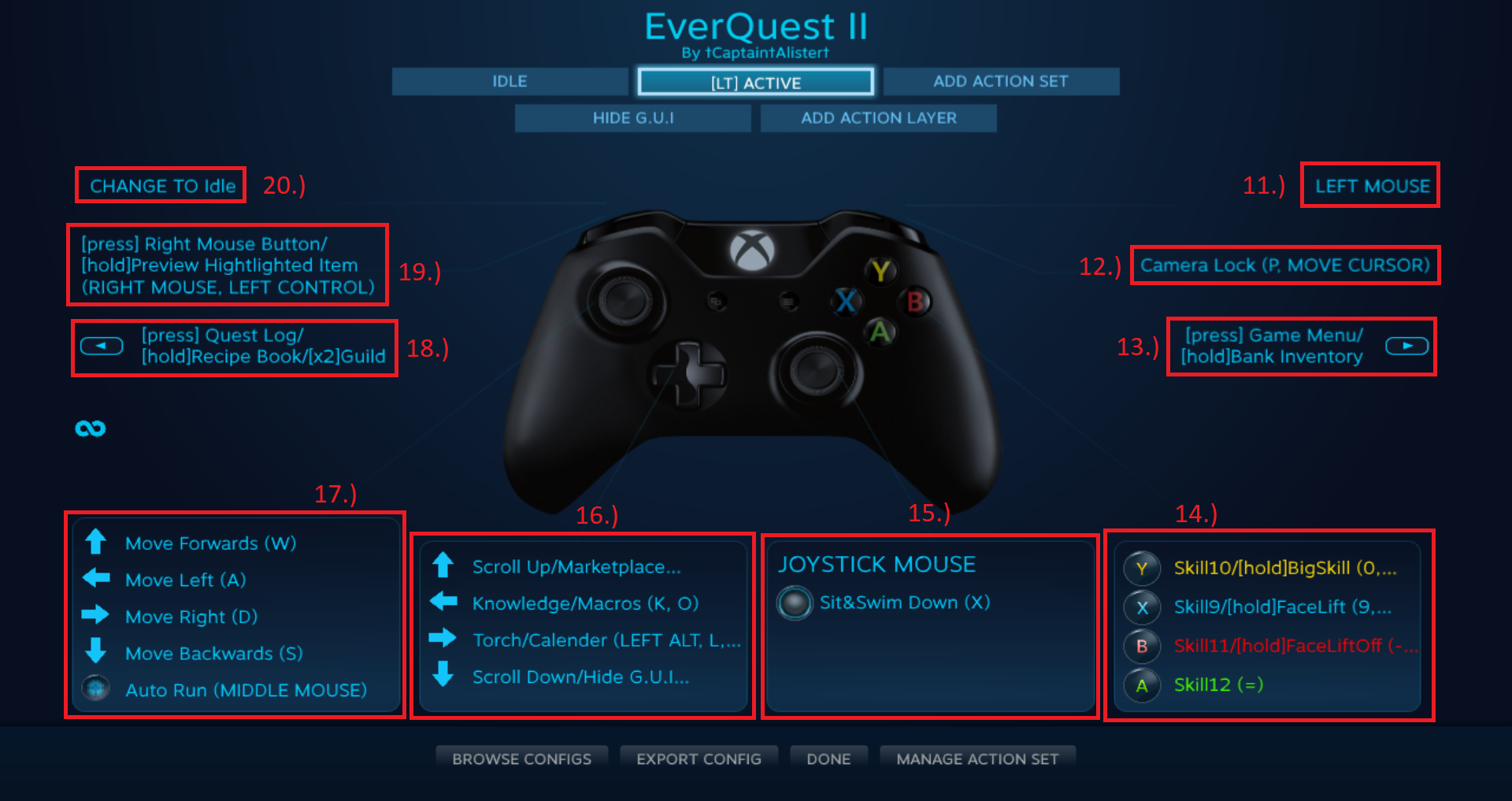
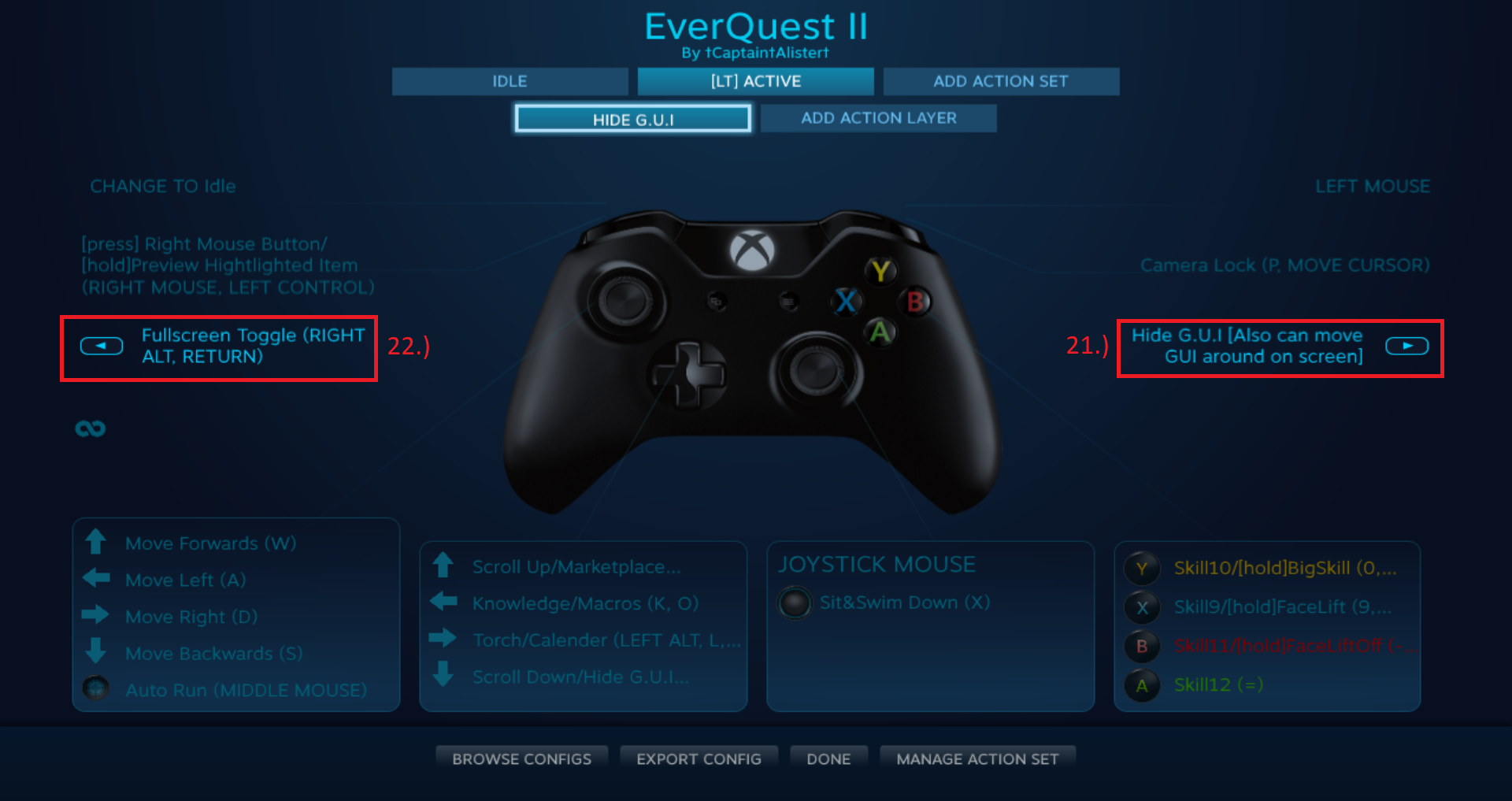



Navigate to your EverQuest 2 directory, find "Layouts" folder.
Backup: "EQ2-OtherMode.cfg" & Rename to: "EQ2-CustomMode.cfg."
Edit the new EQ2-CustomMode.cfg file to include:
name=Custom
options=
uisettings=
colors=
keymaps=my_Xbox_keymap.ini
In the main EverQuest 2 folder, edit "eq2_recent.ini" change this line:
"cl_configuration_file EQ2-OtherMode.cfg" to reflect this: "cl_configuration_file EQ2-CustomMode.cfg"
Login back in & Select “Custom” from the Keyboard Layout drop-down list in the Options menu.
And lets hope that works. I just tried this myself, when I logged in all the keybindings were still set so here's hoping.
I'd say make sure the "advanced" button is selected in the options menu. That'll show all options. If there's a button combo that needs to be pressed that can change hotbars, I'd say remove those bindings in-game. IE "shift+1"
I'm glad you were able to get things working for the most part. Most of this is end-user based so I can only really do so much to help.
However, you can use this command-line in the game's chat to have the game auto setup the keybindings for you: /load_keymaps my_Xbox_keymap.ini