Killing Floor 2

Killing Floor 2

240 평점
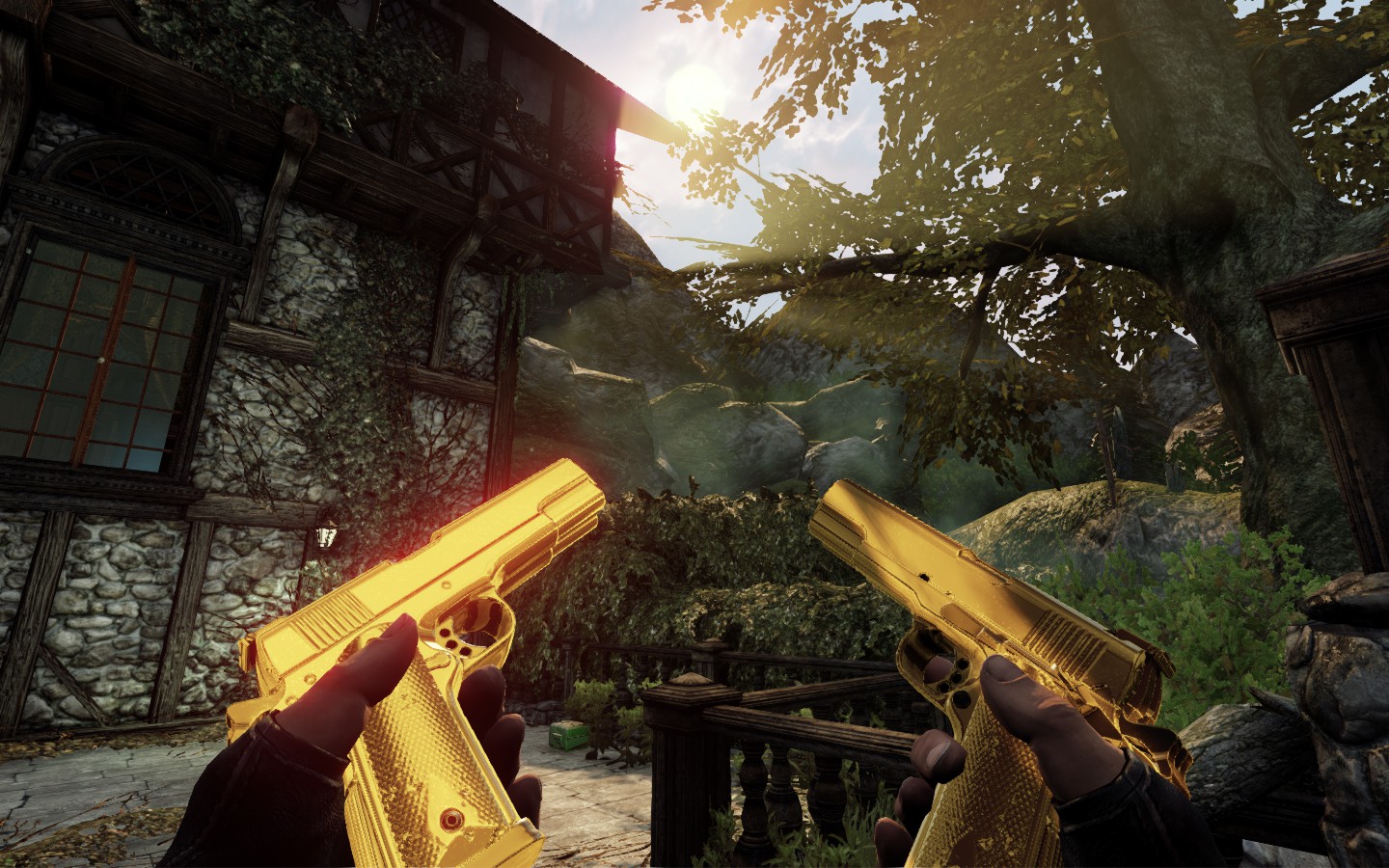
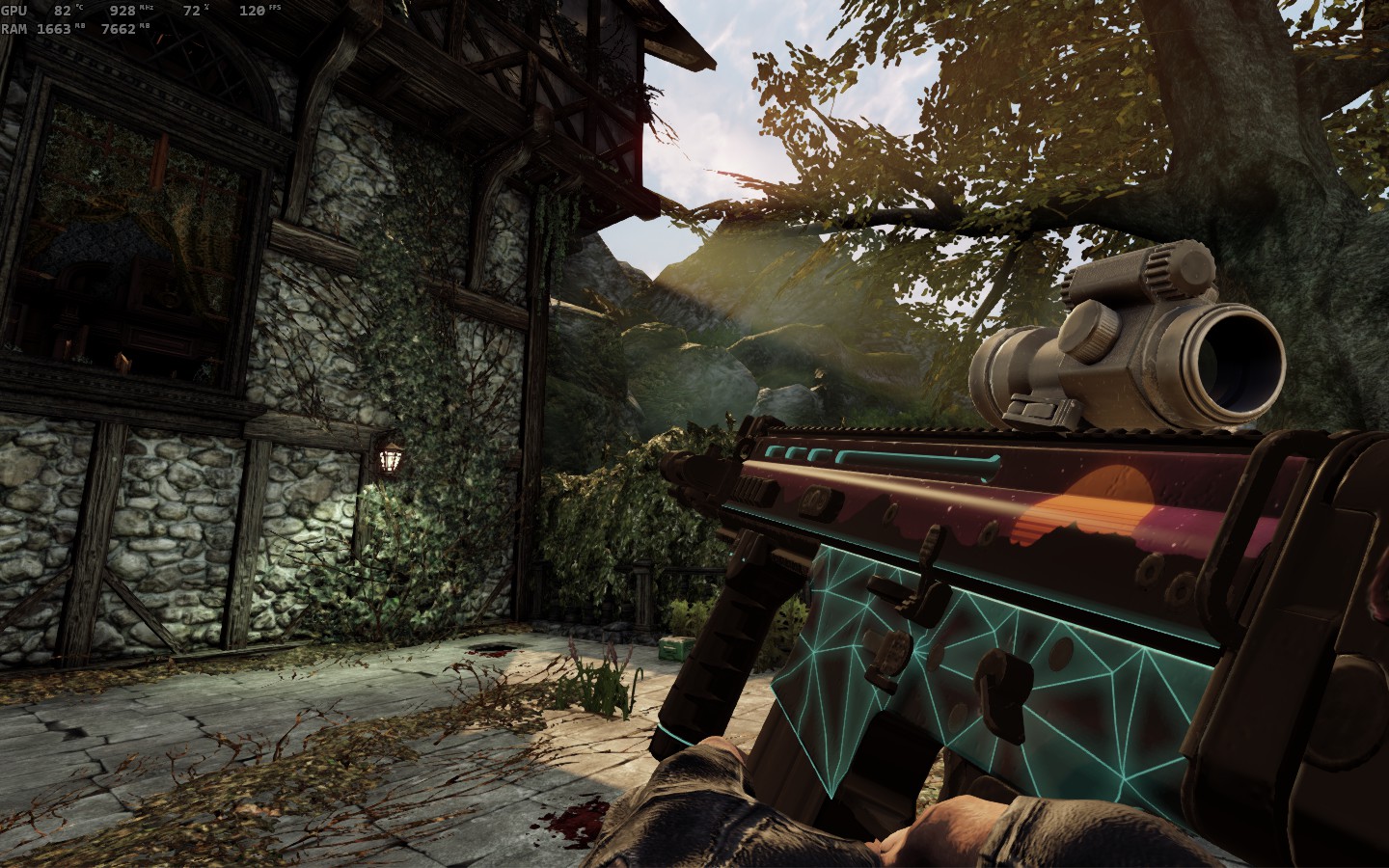
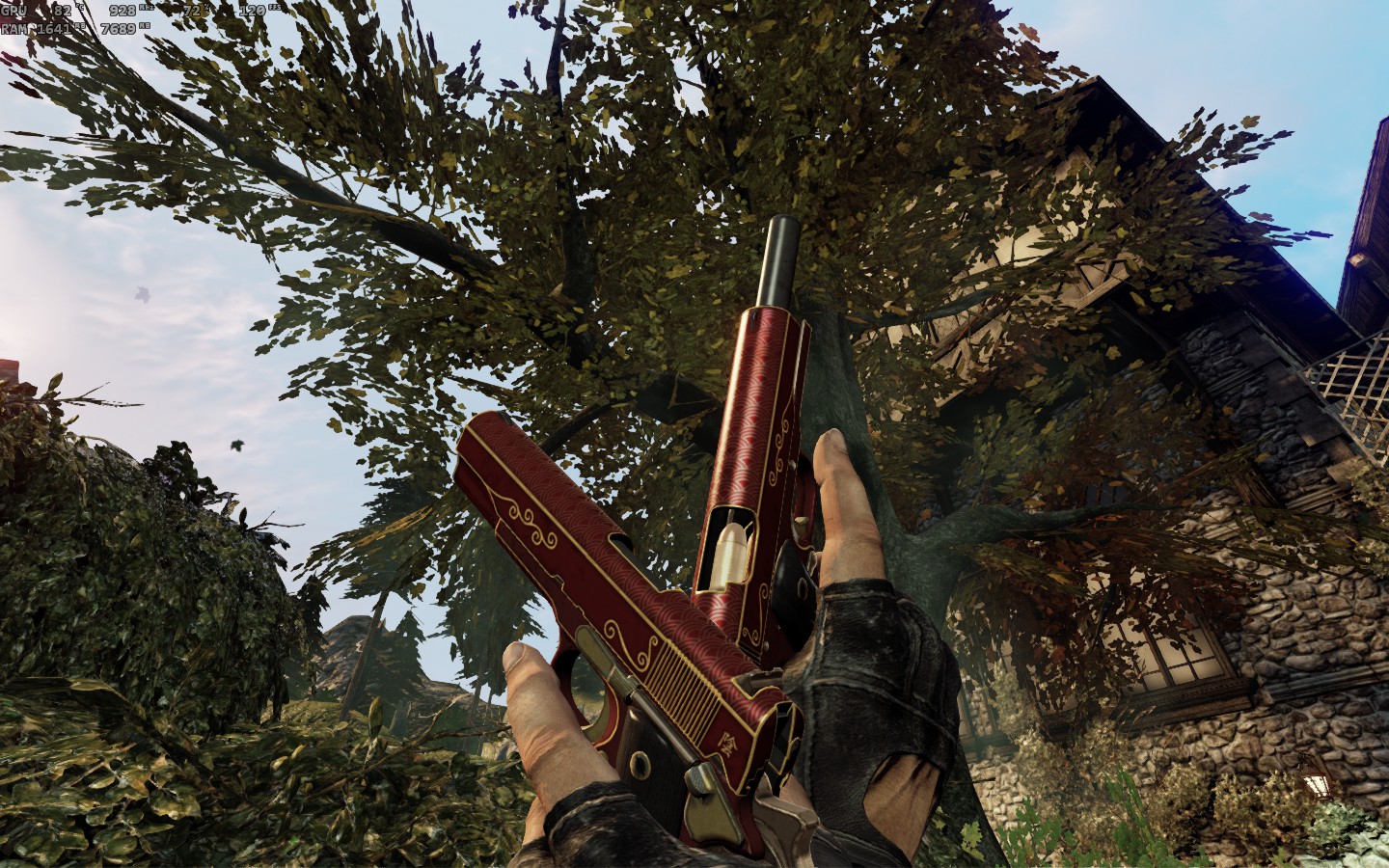
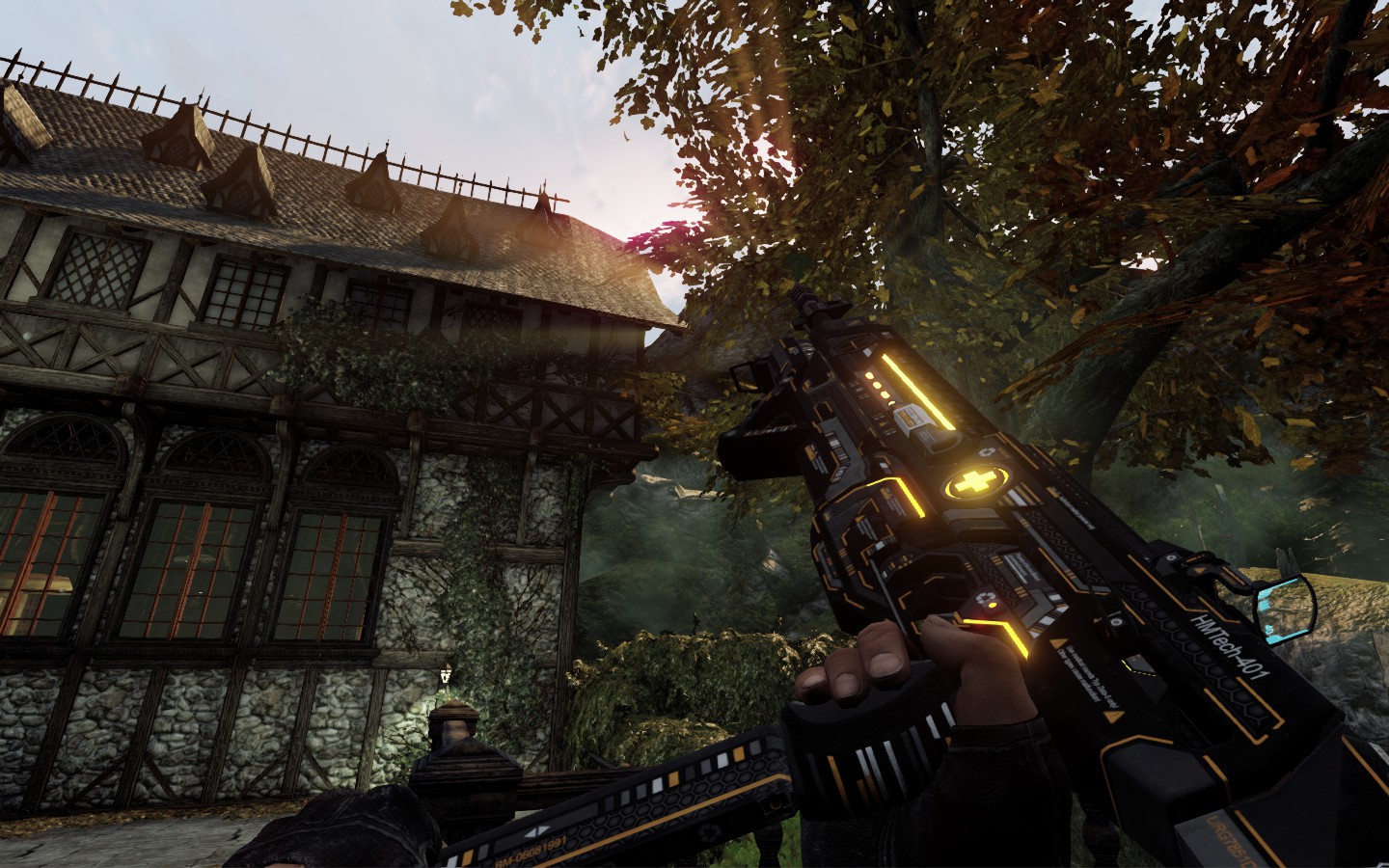
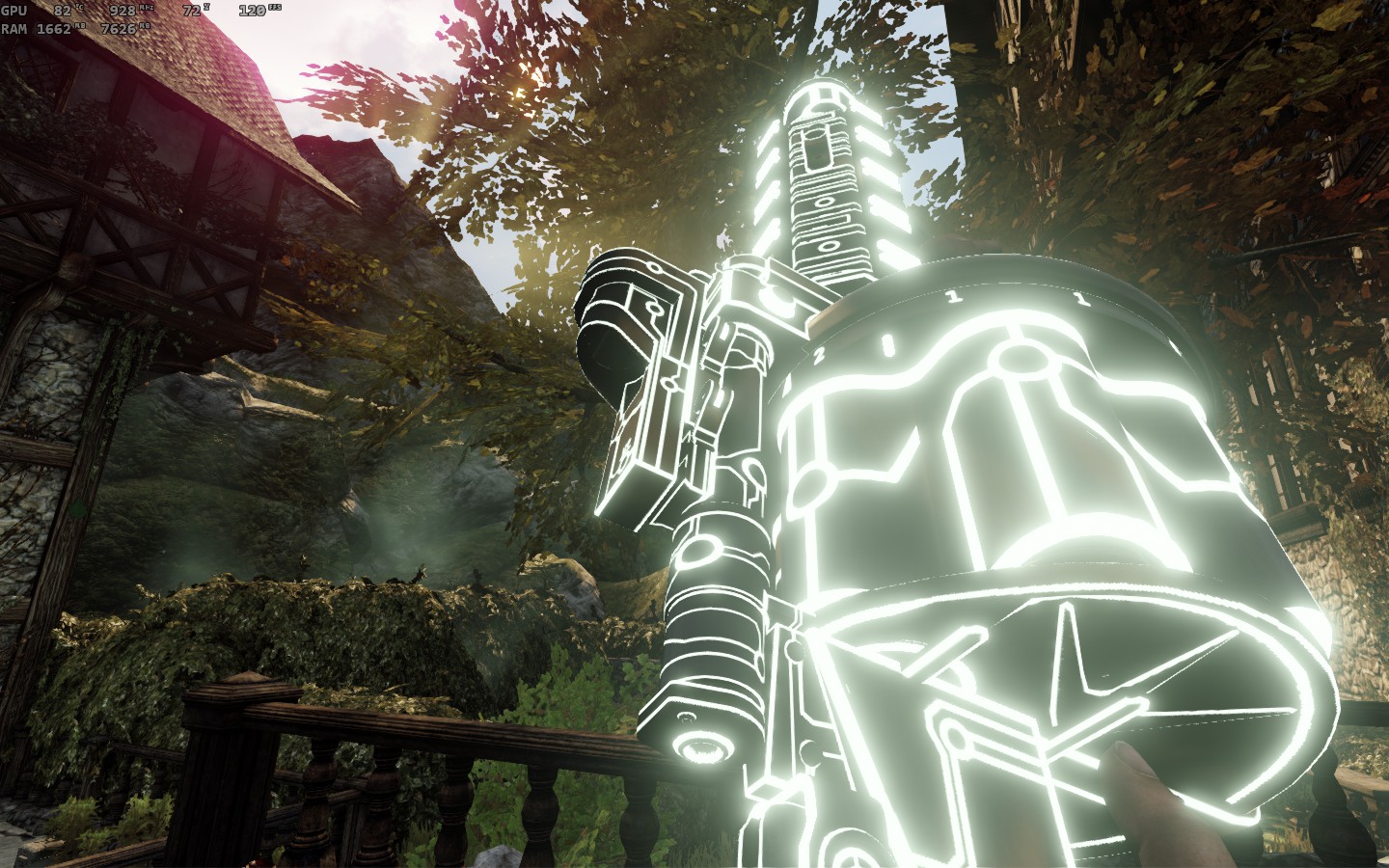
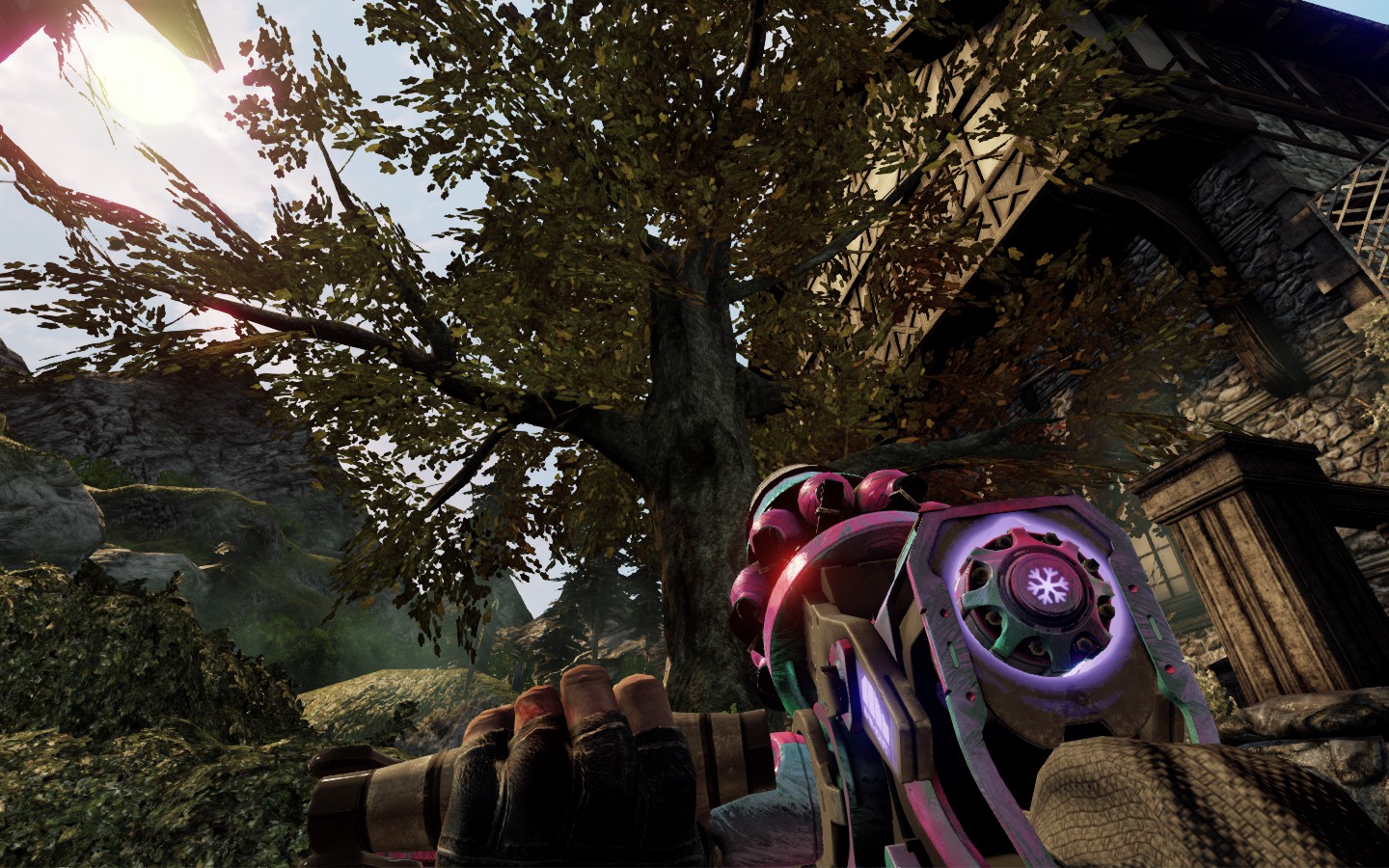
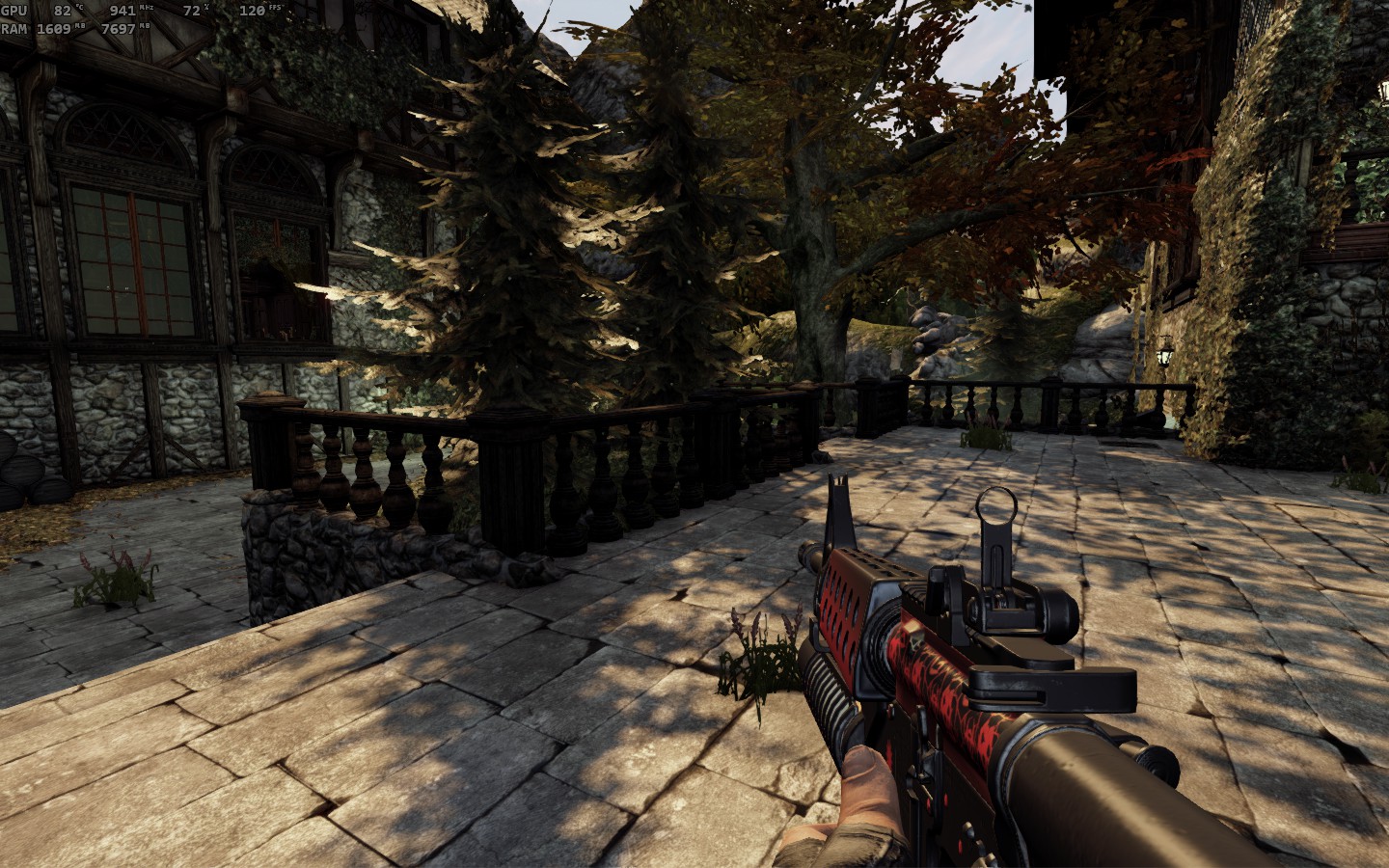
Killing Floor 2 - previewing weapon skins.
simple cat 님이 작성
A simple guide on how to try out every camo in the game.
2
   
어워드
즐겨찾기
즐겨찾기됨
즐겨찾기 해제
The Guide
1. Navigate to this table, pick up desired weapon skin and copy (CTRL+C) its MIC path:
https://docs.google.com/spreadsheets/d/1Xp3yReZK2linQtm2-wNUngjTMtQ9e0M8GDtcbRKQsBo

You can use the search function (CTRL+F) but keep in mind that this list contains internal weapon names (SG 500 Pump-Action = MB500, Eviscerator = Sawblade etc.) so you better search by the skin name itself.

2. Start KF2 in solo, activate the cheats ("enablecheats") and get yourself a weapon you would like to test skin for. You can use "doshme 999999" and "opentradermenu" commands to make it easier.

3. Type this in console while holding tested weapon:
SetWeaponSkin 0 <MIC path>

Use the paste function (CTRL+V) so you would not have to input the string manually.

For example:
SetWeaponSkin 0 WEP_SkinSet09_MAT.horzineelitegreen_kriss.HorzineEliteGreen_Kriss_1P_Mint_MIC

Some weapons use different materials for their parts (e.g. Bone Crusher's mace and shield, optics on certain weapons etc.). You have to input the command for every part individually. Note that you also have to change Material Index value each time you add a skin for the new body part. For example, Bone Crusher has separate skins for its mace and shield and Deepstrike Crossbow has separate skins for its body and scope. Use these examples:

SetWeaponSkin 0 WEP_SkinSet08_MAT.batcat_maceshield.Batcat_Mace_1P_Mint_MIC SetWeaponSkin 1 WEP_SkinSet08_MAT.batcat_maceshield.Batcat_Shield_1P_Mint_MIC

SetWeaponSkin 0 WEP_SkinSet09_MAT.deepstrike_crossbow.Deepstrike_Crossbow_1P_Mint_MIC SetWeaponSkin 1 WEP_SkinSet09_MAT.deepstrike_crossbow.Deepstrike_Crossbow_Scope_1P_Mint_MIC

You can apply every skin on every weapon, however only matching skins are guaranteed to have a fitting look on the weapon.

Enjoy!

Current Version
Current version is 1.150.
댓글 81
Siti Isabella Wulansari 2023년 9월 22일 오후 7시 31분 
Thank you very much, simple chat. :steamthumbsup: :Fleshpound:
simple cat  [작성자] 2023년 9월 22일 오후 1시 56분 
Updated with Halloween 2023 skins.
simple cat  [작성자] 2023년 5월 12일 오전 11시 00분 
Updated with Summer 2023 skins.
Siti Isabella Wulansari 2022년 12월 29일 오후 9시 21분 
Thanks a lot, I was spent lot for showcasing weapons skin. With this one, i don't need spend anymore.

I will try this later at some point time.
simple cat  [작성자] 2022년 11월 19일 오후 5시 36분 
Updated with Xmas 2022 skins.
deer in pain 2022년 10월 30일 오후 6시 49분 
Thanks a lot, it really does the job
simple cat  [작성자] 2022년 10월 30일 오전 10시 39분 
I've made a new one, tested it and it looks like it's working, but not for all of them

https://drive.google.com/file/d/16lmyw2_ABD7KVJNSgC7tQUmUjbzJDld8/view

download and place this file to
Steam\steamapps\common\killingfloor2\KFGame\BrewedPC (there are other .u files there)
delete it when no longer needed

in console:

open kf-farmhouse?game=testmod.game_survival_test (or any other map with "kf-" prefix, like kf-burningparis, or of your choice)

SetWeaponSkin (same command, and parameters as before)

ThirdPerson, FreeCam or FirstPerson

code is a simple string replacement of "_1p_" to "_3p_" so if such string does not present on MIC in spreadsheet then it won't work (nearly all guns have it though). For instance that ain't gonna work with Doshinegun, Piranha or Corrupter Carbine since 1st and 3rd person skins of these named differently. There's probably more effecient way to do it, but i'm not gonna look into it, sorry.
deer in pain 2022년 10월 29일 오후 5시 48분 
Thanks! While I'm here, I wanted to ask you if you know any way to preview in 3rd person. I still have the old testmod you created for that, but sadly doesn't work anymore.
simple cat  [작성자] 2022년 10월 29일 오후 5시 43분 
My pleasure and good catch, the line's corrected.
deer in pain 2022년 10월 29일 오후 5시 32분 
Thank you for always keeping this updated.

Neon RGB Flamethrower is showing Neon RGB Hemogoblin instead (v1.065).