



ติดตั้ง Steam
เข้าสู่ระบบ
|
ภาษา
简体中文 (จีนตัวย่อ)
繁體中文 (จีนตัวเต็ม)
日本語 (ญี่ปุ่น)
한국어 (เกาหลี)
български (บัลแกเรีย)
Čeština (เช็ก)
Dansk (เดนมาร์ก)
Deutsch (เยอรมัน)
English (อังกฤษ)
Español - España (สเปน)
Español - Latinoamérica (สเปน - ลาตินอเมริกา)
Ελληνικά (กรีก)
Français (ฝรั่งเศส)
Italiano (อิตาลี)
Bahasa Indonesia (อินโดนีเซีย)
Magyar (ฮังการี)
Nederlands (ดัตช์)
Norsk (นอร์เวย์)
Polski (โปแลนด์)
Português (โปรตุเกส - โปรตุเกส)
Português - Brasil (โปรตุเกส - บราซิล)
Română (โรมาเนีย)
Русский (รัสเซีย)
Suomi (ฟินแลนด์)
Svenska (สวีเดน)
Türkçe (ตุรกี)
Tiếng Việt (เวียดนาม)
Українська (ยูเครน)
รายงานปัญหาเกี่ยวกับการแปลภาษา





 รางวัล



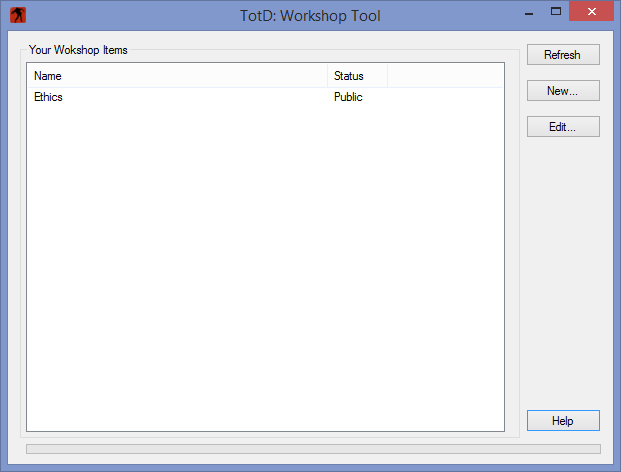
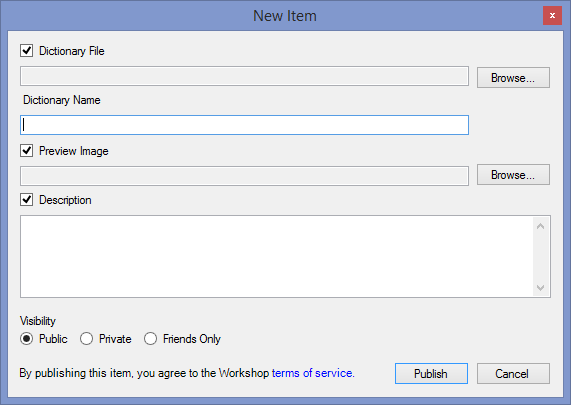
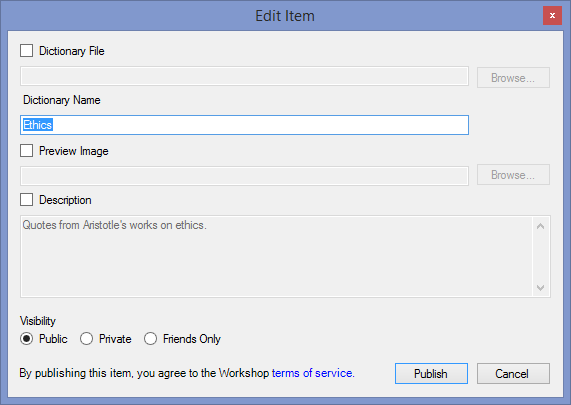
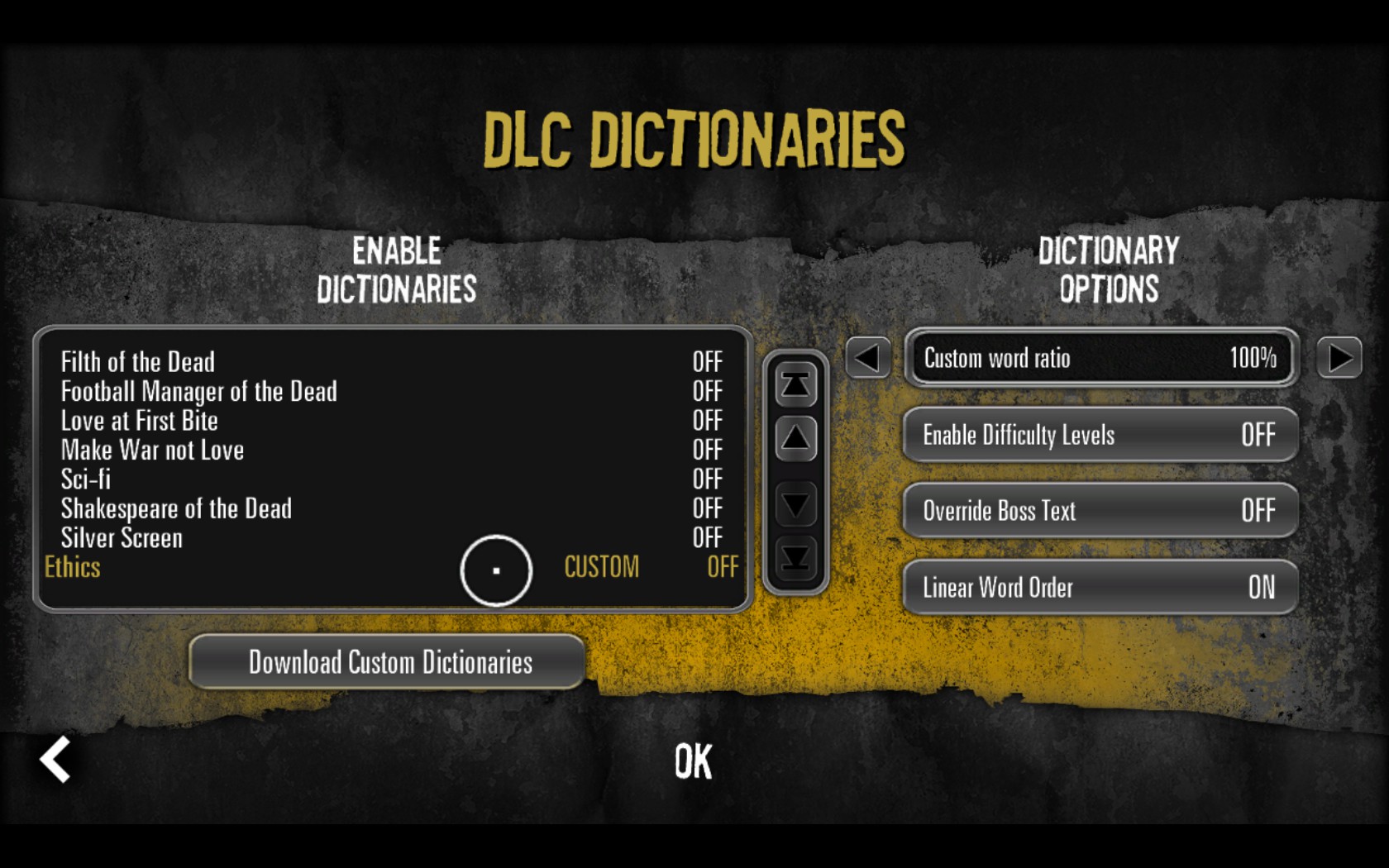


The first sentence is "Place the dictionary and preview image files in their own folder , or any folder that is NOT your default user home folder or the Documents folder (for example, do not use C:\Users\Username\ or C:\Users\Username\Documents)."
Essentially just create a folder somewhere and place the files in it. However, I also received an error that wanted the dictionary by itself so I left the picture in the first folder and made another subfolder for the dictionary.
Place the dictionary and preview image files in their own folder , or any folder that is NOT your default user home folder or the Documents folder (for example, do not use C:\Users\Username\ or C:\Users\Username\Documents).
This is because Windows makes symbolic links to the old My Documents, My Music, etc. folders that were used before Windows 7, for compatibility reasons. It seems that this tool can't handle them correctly which causes the error.
http://steamproxy.com/sharedfiles/filedetails/?id=1184867688
The Custom Dict idea was brilliant but...
Think global like an eathling, please